
Handy Tips To Keep Your Bank Account And Money Safe

Banking made our life as easy as it can equally be proven harmful. In the past few years, banking was a pretty cumbersome task in everybody’s life. We had to present physically in the bank for any query, cash deposit/ withdraw or any kind of transaction. But gone are the days and a big thanks to the internet that made our life easy. We can now readily access our account even from our pockets. But with the great come of advanced technology, Online Banking Risks have also increased simultaneously.
Our surrounding is full of hackers and various fake people whose prime targets are bank accounts & and online accounts. So, to keep your hard-earned money safe and secure for this you need to take some Safe Internet Baking precautions. If you are thinking about what precautions you need to go with then we are listing down 5 Online Banking Safety tips for you:
1. Always Create a Strong Password
Usually, most of the people choose small and simple password created on their birthdates, phone numbers, anniversary dates, their pet names, etc. as they find it easy to remember. But they forget that these passwords are equally easier to recognize by hackers also.
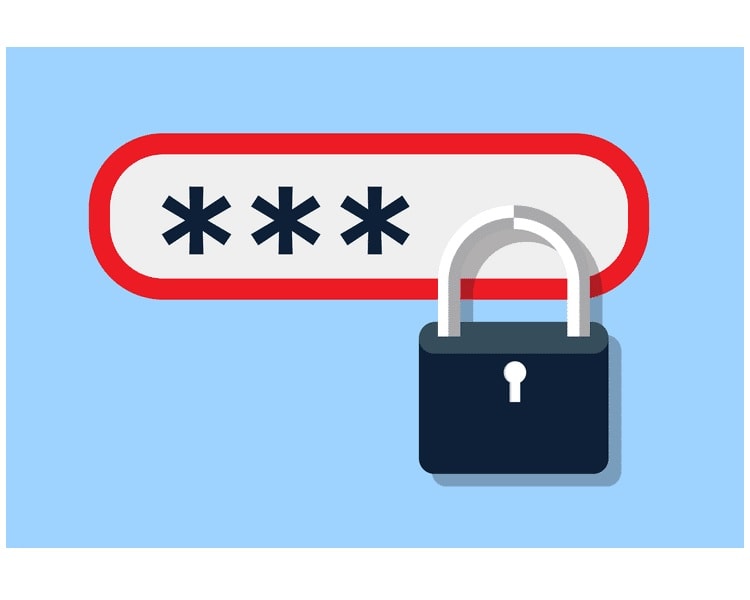
To make a strong and uncrackable password, your password should contain varieties of characters which will likely include numeral numbers, special characters, etc. Hackers will take quite more time to crack the heavy password. Moreover, one other thing to keep in mind is that never use one password for more than one bank account or online accounts.
2. Avoid Clicking Suspicious Links
Your mail id would have been receiving several unwanted social media, advertisement emails which you do not recognize, then remember to do not hit click them. Now your question would be WHY? Because the mail may contain a link to a malicious website trying to reach your bank account.
The reason behind ignoring these links is stealing your personal and imperative information. If you enter your banking info into these links they can be directly approachable to cybercriminal from where hackers could log into your banking accounts.
It is very simple to ignore these hassles and for this, you need to do is- just enter your online banking information into your official bank’s website and apps which is the best Internet Banking Security solution.
3. Use Only Official Banking Apps
Online apps are so common these days but to judge which app is a scam or which is true is quite a difficult task. Through fake apps, your personal information related to your bank accounts can be stolen easily for any wrong purpose. If you have a little bit doubt about these apps then do not use it.
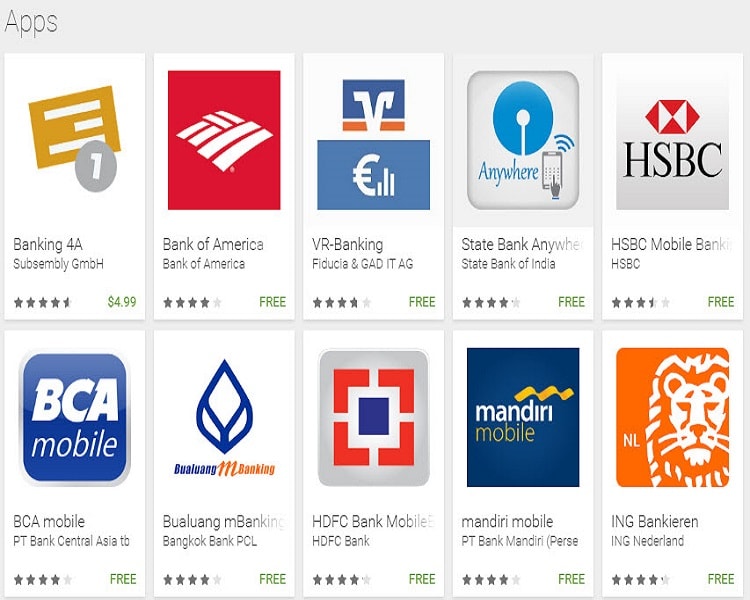
Don’t let hackers smarter than you and try to puzzle them with your cleverness. Never use a financial application created by unofficial agencies. Always find an official app of the banks for Safe Internet Banking.
4. Never Use Public Wi-Fi Connection
One of the reasons for Online Baking Risks is a public internet connection. Online banking apps made easy to access your account from anywhere and Wi-Fi is present at every second place in case you don’t have internet connection in your phone. These Wi-Fi connections have more Online Banking Risks.
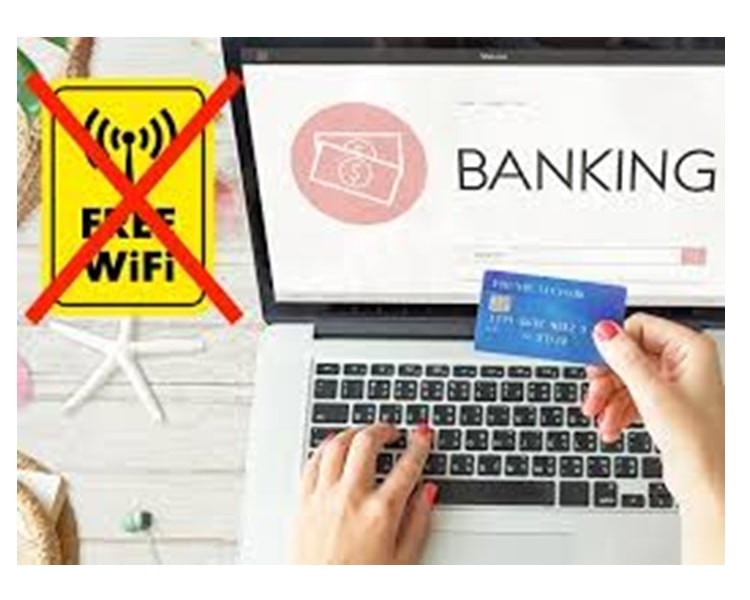
So rather using private and public internet connections only do transactions over a secure network like an internet connection of your home, office, family, and friend. And make sure to log out from your account once you have done with your task.
5. Change Your Account Password Timely
People usually do not change their password because they are afraid of forgetting the new password. Having the same password since a long time might be sort of Online Banking Risk.
So, always strive to make changes in your bank account and online account password if you are really keen to Internet Banking Security. One more thing you need to keep in mind that changes your password in alone where no one is observing you instead of changing at public places.
There are many people who probably would have faced hackers. But with the help of above-mentioned tips Internet Banking Security, audience can go with Safe Internet Banking.
Read More Article: Vivo Z1 Pro
About author

How to Download Netflix Series as MP4 on a Laptop

Are you planning a long flight or weekend trip without reliable internet? Downloading your favorite Netflix series in advance seems like the great solution.
From Cards to Screens: The Evolution of Digital Games

Card games and board games used to come with a fair bit of setup. You needed the cards, pieces or board in front of you, and in many cases someone else had to be there too.
RTX 5060 vs RTX 4060: Is the Newer GPU Worth Your Money?

RTX 5060 vs RTX 4060: Compare gaming performance, FPS, GDDR7 vs GDDR6, DLSS features, power consumption, and prices to choose the right GPU in 2026.
How I Reclaimed Crucial SSD Space Without Deleting Essential Data Using Advanced SystemCare 20

I did not want to drag folders to the Recycle Bin and hope for the best. I wanted to free up room without losing documents, photos or settings. That is how I ended up testing Advanced SystemCare 20, a free Windows cleaner from IObit.
Samsung TV Not Connecting to WiFi? Get the Easy Fixes Here

Samsung TV not connecting to WiFi? Learn why it happens, try easy step-by-step fixes, and know what to do if nothing works. Fix & get back to streaming fast.
Rangefinder Digital Cameras: Benefits and Limitations

Discover what a rangefinder in digital camera is, how its focusing works, its advantages and limitations, and why photographers love it for street photography.