
Samsung TV Not Connecting to WiFi? Get the Easy Fixes Here
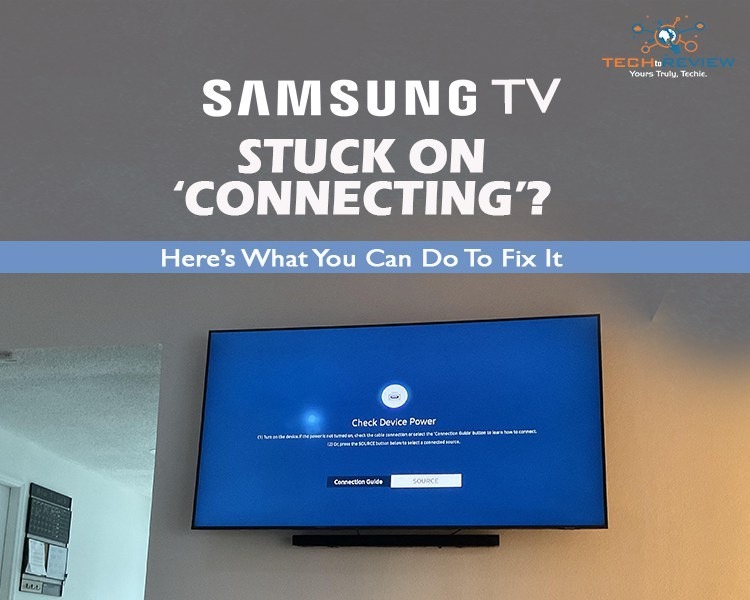
A Samsung TV not connecting to WiFi is the most common complaint users face almost 2-3 times a year. Since Samsung doesn't publicly release official annual complaint numbers, reaching out to support can be a hassle. This usually happens because of a setting or signal issue, as Samsung’s Tizen-based sets need a steady router signal, correct DNS details, and current firmware.
When this part comes loose, your Wi-Fi button turns grey and stops working. Router updates, power cuts, IP conflicts and weak signal are the usual triggers. Most cases get resolved at home within 10 minutes with a YouTube video or the manual guide. But sometimes the basic information is not enough, and the problem keeps getting worse, especially when you have a movie night planned or have some friends over. If you’re the one who is facing the same issue, this guide explains why it happens and how to fix it when nothing else works.
The Router Update Nobody Notices
The most common problem Samsung TV users face is that the TV works fine on Sunday, but on Monday evening the "Samsung TV not connecting to WiFi" error appears. Nothing really changes on the TV, but the problem actually appears in the router, which installed an overnight update and reset its channel and IP assignments.
Phones and Laptops reconnected on their own, but the TV kept using old network details and failed repeatedly. Restarting both devices cleared it. When one device fails and everything else works, then the story begins about what actually changed in that specific device; that mostly happens with a TV.
Why Is Your Samsung TV Not Connecting to WiFi Suddenly?
Knowing why a Samsung Smart TV is not connecting to WiFi matters because it rarely needs a hardware repair. You can solve the issue at home; you just need to know the common causes. Here are some issues that people mostly face:
- Temporary Software Glitch: The TV stores network data in memory. After a power cut or sudden shutdown, that data can get corrupted.
- Outdated Firmware: Old software may not handle newer router security standards properly.
- Wrong IP or DNS Settings: If a Samsung Smart TV not connecting to WiFi shows “connected, no internet,” the DNS is often the culprit.
- Weak Signal: The TV’s WiFi antenna sits behind the panel. Distance can weaken the signal.
- Router Restrictions: MAC filtering, parental controls or a full device list can block the TV.
Easy Solutions You Can Try Today
First, go through this table. Most people with a Samsung TV not connecting to WiFi are sorted by the third fix.
When Home Fixes Fail
If your Samsung Smart TV still won't connect to WiFi after the steps above, narrow down the fault before calling the service centre.
Pro Tip: Test With Your Phone Hotspot
Here’s something most users don’t even know about: Switch on your phone’s hotspot and connect the TV to it. If it connects, the TV generally has no problem, and your router is the real issue. If it still fails, the fault sits inside the TV.
There is also a quiet router setting worth checking. Many routers use 5GHz channels from 52 to 144, which share frequency with radar systems and can drop suddenly. Some TVs struggle with them. Set your router to channel 36 or 44 and see if even a stubborn Samsung TV not connecting to WiFi case suddenly clears up.
Also, a crowded network might make things worse, so keep an eye on how many smart home devices is connected to your router.
Back Online: Your Quick Recovery Plan
Most of the time, a Samsung TV not connecting to WiFi comes down to a stale connection, a weak signal or a small setting. Start with the power cycle, then rejoin the network, update the firmware and change the DNS. Use the hotspot test to find out whether the TV or the router is at fault. If all of that fails, contact the Samsung service centre. Fix it step by step, and your streaming evenings will not be ruined by a temporary error.
Frequently Asked Questions
Is Samsung TV internet down?
No, there is no ongoing worldwide server outage for Samsung Smart Hub. If no such outage exists, the problem is likely limited to your TV, router, or network configuration.
Why is Samsung TV suddenly not connecting to Wi-Fi?
Your Samsung smart TV may fail to connect to Wi-Fi because of a system malfunction, incorrect date and time settings, a router issue, or corrupted network data.
Why is my smart TV refusing to connect to Wi-Fi?
If you have trouble connecting a smart TV to Wi-Fi, try restarting your TV and router.
About author

Samsung TV Not Connecting to WiFi? Get the Easy Fixes Here

Samsung TV not connecting to WiFi? Learn why it happens, try easy step-by-step fixes, and know what to do if nothing works. Fix & get back to streaming fast.
Rangefinder Digital Cameras: Benefits and Limitations

Discover what a rangefinder in digital camera is, how its focusing works, its advantages and limitations, and why photographers love it for street photography.
Why Phone Storage Gets Full Even If You Barely Install Anything

Discover why your phone storage fills up without installing apps. Learn how cached files, photos, hidden downloads, and system data consume space.
Top 5 Entry-Level DSLR Camera Picks to Buy in 2026

Looking for a great beginner camera? Discover the top 5 entry-level DSLR cameras to buy in 2026, featuring the best budget, travel, and video choices.
Best LED Black Friday TV Deals: Your TV Shopping Guide

Discover the best LED Black Friday TV deals for 2026: when sales start, how much you can save on LED, QLED, and OLED TVs, plus tips to spot fake discounts.
Portable Bluetooth Speaker: Best Picks for Your Travel Bag

Looking for a portable Bluetooth speaker for travel? Check out 5 easy-to-carry options with different sound, battery, and durability features.