
How Image to Video AI Is Quietly Reshaping Small Business Marketing
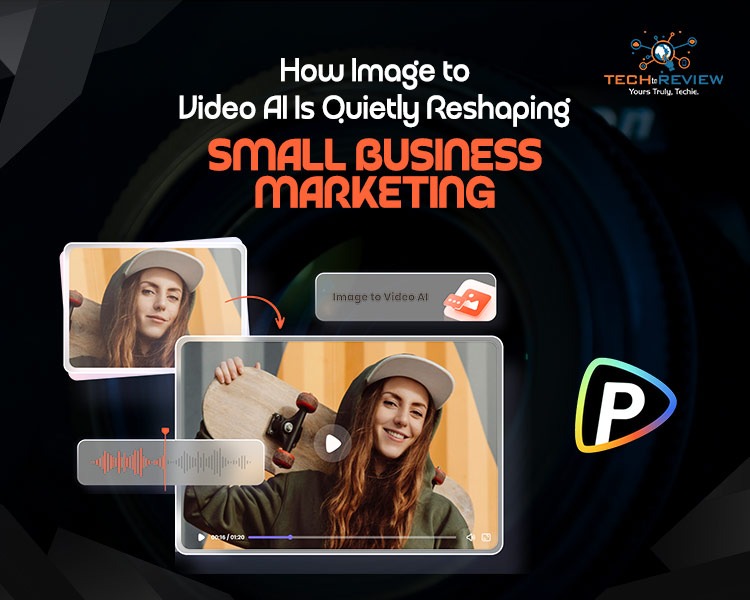
Ask any small business owner about video content and you'll likely get a slightly tired sigh. They know it matters. They've seen the engagement numbers, watched competitors rack up views on Reels, and read enough marketing newsletters to recite the stats from memory. The issue was never whether to do video — it was whether they could actually pull it off without a production budget, a free week, or a willingness to spend their evenings learning Premiere Pro.
That equation has shifted dramatically in the last year or so. AI has matured past the gimmick phase and started doing real work, and one corner of it in particular is making a tangible difference for small and medium businesses: image-to-video generation. There's a simple reason it's catching on faster than other AI categories. Most small businesses already have what they need to use it.
You're Probably Sitting on a Goldmine Already
Have a quick scroll through your business's photo folders. Old product shoots. Team snaps from last year's away day. Lifestyle imagery from that brand refresh you commissioned. Stock you bought, used once, and forgot about. There's almost certainly more visual material there than you've ever properly used, and most of it stops being useful the moment a campaign ends.
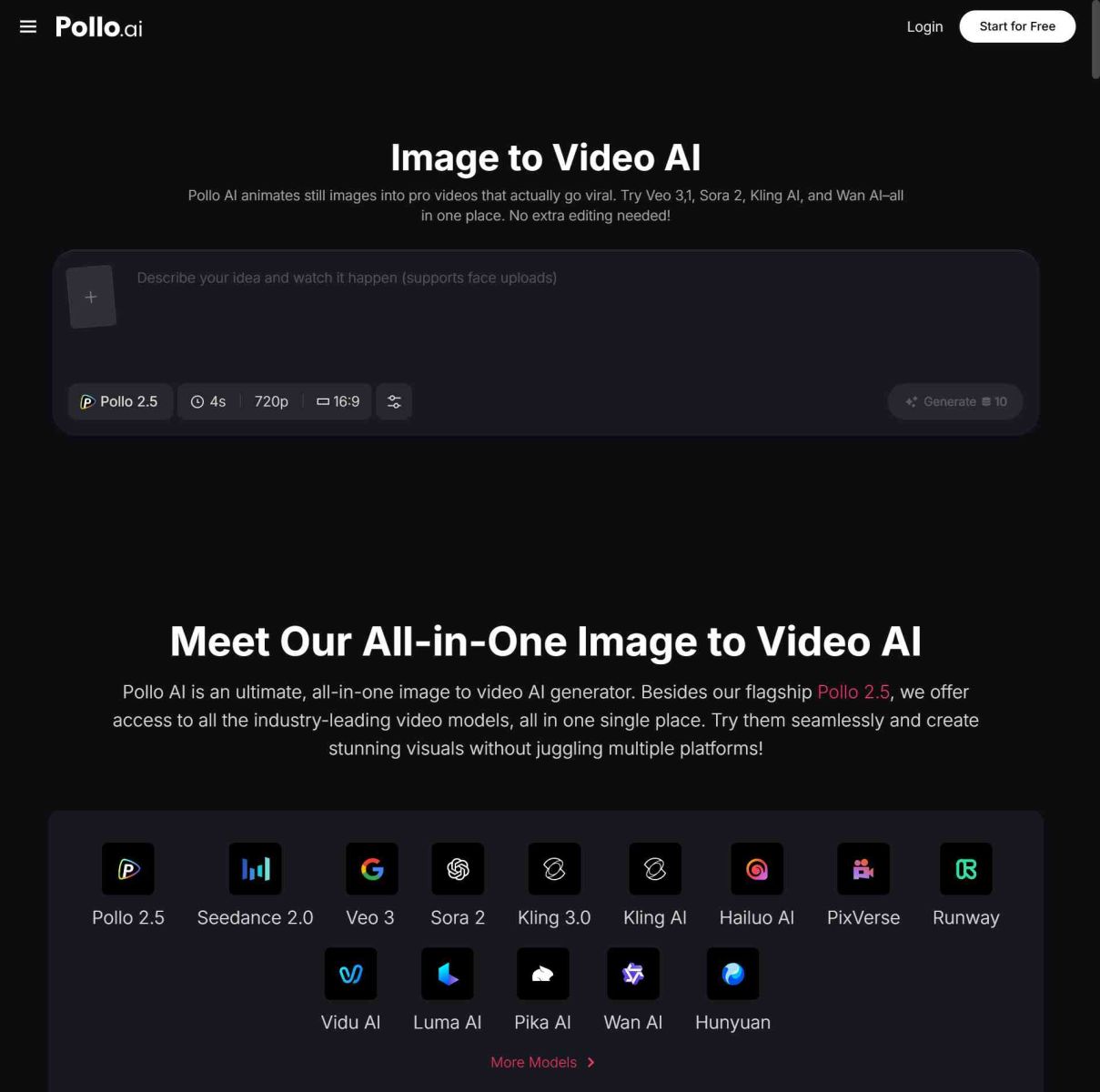
This is where image to video tools have genuinely changed the game. The whole point is that you don't need to start from a blank page. You take a still you already own, write a short description of how it should move, and the AI does the rest. A boutique owner can take last season's lookbook stills and turn them into a fashion reel where fabric moves and light shifts. A coffee shop can take a flat-lay shot and have steam rising slowly from the cup. A B2B consultant can turn a static infographic into a piece of animated content that someone might actually stop scrolling for.
It won't replace traditional video for the big stuff — founder stories, proper case studies, brand films. But for the weekly grind of feeding social, refreshing email creative, and keeping your website from feeling stale, it's a completely different way of working.
The Maths Finally Stacks Up
Small business owners are sensibly cautious about marketing costs, so let's be straight about the numbers.
Booking a videographer in the UK for a basic product shoot — half a day plus editing — typically runs from £500 to £2,000 depending on the brief. You usually walk away with one finished video, maybe a couple of cutdowns if you've planned ahead. That's one piece of content.
Now think about spending an afternoon converting forty existing product images into forty short animated clips, each one formatted slightly differently for Reels, TikTok, paid ads, and email headers. Cost per piece of content collapses to something close to nothing. And the bigger win isn't really the money saved — it's the freedom to actually test things. Two versions of an ad running against each other. Different motion styles for the same hero image. Quick experiments that show you what your audience actually responds to instead of what you assume they'll like.
That kind of testing rhythm used to be exclusive to brands with proper marketing teams. A one-person operation can now do it between coffees.
Don't Try to Make One Tool Do Everything
A mistake I see a lot is small businesses picking one AI tool and trying to bend it to every job in their content workflow. It doesn't work, and you end up frustrated with tools that are actually fine — you're just using them wrong.
Image-to-video platforms like Pollo AI are built for animating still imagery: product photography, lifestyle shots, infographics, brand visuals. That's the lane, and it's the right lane if you want to feed your social and ad channels efficiently.
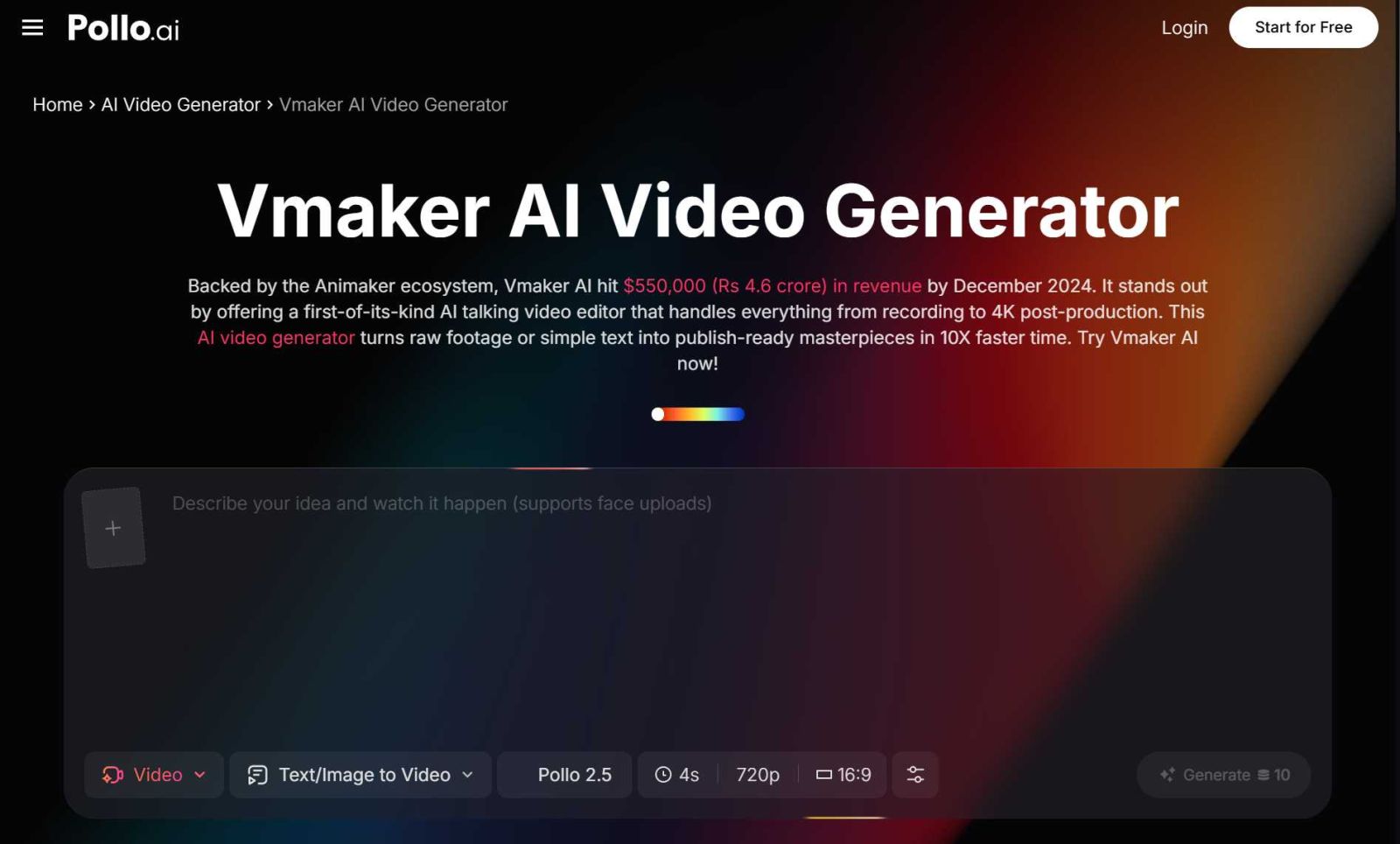
But the second you need to record a software walkthrough, capture a screen tutorial, or film yourself talking over a slide deck, you're in completely different territory. That's where Vmaker AI fits in — it's designed around screen recording and webcam capture, which is exactly what you want for how-to content, customer onboarding videos, or personalised sales messages. Trying to use an image-to-video tool for screen recording is like using a kettle to fry an egg.
The honest answer for most small businesses is a small, deliberate toolkit. Something for animating still images. Something for screen and webcam recording. Maybe a simple editor when you need to combine things. That's usually enough.
Things That Actually Make a Difference
A few practical points from watching small businesses do this well — and watching others stumble.
The quality of your source images matters more than anything else. AI can't rescue a blurry, badly-lit photo, and it can't make a beige product shot look exciting. If your photography is the weak point, that's where to invest first. Even just retaking your key product shots with a recent phone near a decent window will lift everything else you do downstream.
Pick a visual style and commit. Two or three motion treatments you use consistently — a gentle push-in for hero shots, a subtle parallax for lifestyle imagery, a clean reveal for new launches — will look more professional than randomising the style every time. Consistency is what makes content feel like a brand instead of a collection of one-offs.
Don't underestimate the writing. As visuals get easier to produce, the strength of your hook and your caption becomes the actual differentiator. A clever piece of motion paired with a flat first line still loses to a static image with a brilliant hook.
Always generate more than one version. AI output varies every time, even with the same prompt. Run three or four, pick the strongest, bin the rest. Five minutes of comparison is the difference between content you're proud of and content you posted because you ran out of time.
Where This Actually Leaves You
The reality is that video isn't optional anymore for small businesses that want to compete for attention online, but the barrier to producing it has fallen further than most people have noticed yet. The strategy still matters. The brand thinking still matters. The story you're trying to tell still matters. None of that gets outsourced to AI. What's changed is that the production floor — the bit that used to stop small businesses from even trying — has dropped to a level almost anyone can clear.
The businesses that figure this out over the next twelve months are going to quietly build a real lead over the ones still posting the same static image carousel every Tuesday. Image-to-video AI isn't a shortcut to good marketing, but if you've got decent photography and a clear message, it's about as close as the toolkit has ever come to giving small businesses a proper unlock.
About author
Portable Bluetooth Speaker: Best Picks for Your Travel Bag

Looking for a portable Bluetooth speaker for travel? Check out 5 easy-to-carry options with different sound, battery, and durability features.
Budget Gaming PC: The Smart Gamer’s Guide to Saving Money

Looking for a budget gaming PC? Learn how to choose the right GPU, CPU, RAM, storage, PSU, and cooling without overspending.
Why Is My Cell Phone Getting Hot? Learn the Quick Fixes

Wondering why is my cell phone getting hot? Discover the hidden triggers behind your device overheating and learn quick, safe tricks to cool it down fast.
How to Make Your Laptop Run Faster: Easy Ways to Speed Up

Is your laptop slow or freezing? Learn easy ways of How to make your laptop run faster, from clearing files and updating software to upgrading RAM and SSD.
Why Responsible IT Asset Disposition Matters in the Age of Constant Upgrades

Discover why responsible IT asset disposition matters in an upgrade-driven world, helping businesses protect data, reduce waste, and recover asset value.
3:2 vs 16:9: Which Aspect Ratio Should You Choose

Wondering about 3:2 vs 16:9 aspect ratios? Learn the key differences, best use cases, and limitations to pick the right one for your shots.