
Best Android Launcher Apps for Customizing your Smartphone

The way in which we arrange, organize and interact with our Smartphone apps on Android is known as Launcher. If you are getting bored of the way your Android looks like then it’s time to install new Android Launcher. Launchers usually consist of a series of home screens, where we can arrange widgets, an app drawer, and app shortcuts. Every phone comes with a pre-installed launcher, but when the phone hits the ball due to the launcher, then there comes the time when you have to download Best Android Launchers from the list of various third party Launchers.
So, some of the best third party and Fastest Android Launcher apps are;
1. Microsoft Launcher:-
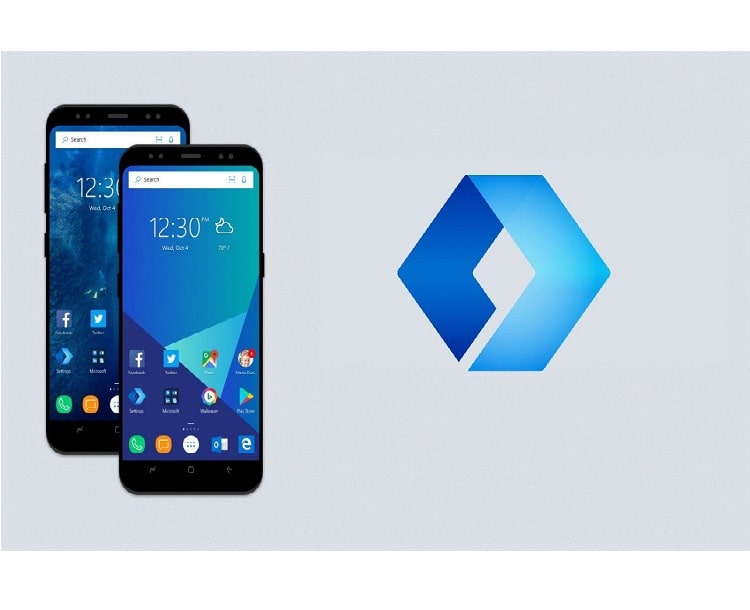
This Launcher was previously known as Arrow Launcher but later it was named as Microsoft Launcher. One of the major highlights, of this Best Free Launcher for Android, brings to you is seamless connectivity between your Android Phone and your Windows PC. This connectivity between your Android device and your Windows PC allows you to easily share the files between the two. The only disadvantage of this launcher is that it has only limited numbers of theme colors and icon packs. The most important feature of this launcher is that it is Bloatware free.
2. Nova Launcher:-
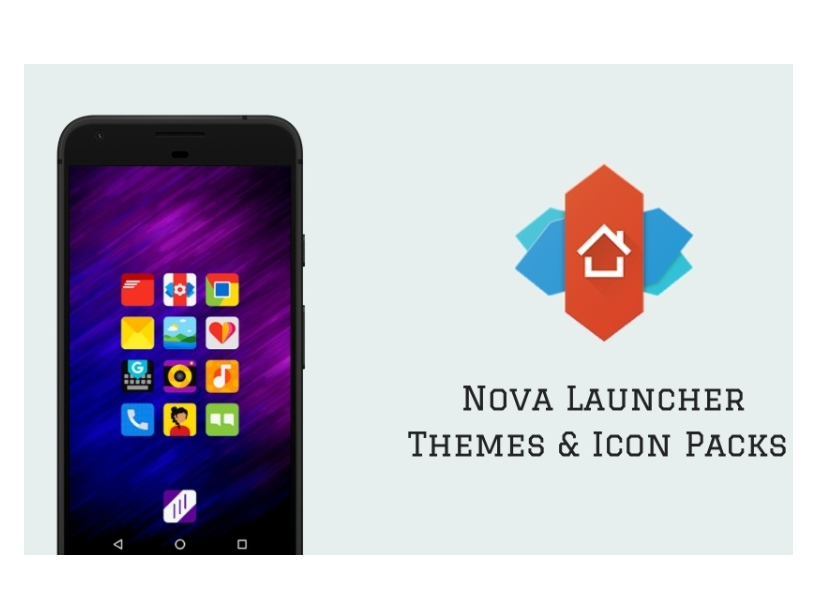
Nova Launcher is also well known as the best Customization launcher available currently in the market. This is easily one of the most famous custom launchers as it comes with a wide range of themes and features to attract a large number of users. This launcher is also known as the Best and the Fastest Android Launcher, as the company ensures that the launcher does not eat too much of your phone’s CPU and RAM. This launcher is not free as the user has to purchase the premium license of this Nova Launcher to unlock all of its features. With the help of the premium Nova Launcher, it is also known as the Best 3d Launcher for Android.
3. Evie Launcher:-
It is one of the Best Free Launcher for Android, which is currently available in the market. The Evie Launcher is well known for its performance, so it comes under the category of the Fastest Android Launcher. Many of the users of different launchers have switched to Evie Launcher due to its Smoothness. The users can easily customize their app drawer and folder grip along with the wide range of home screen shortcuts. It is basically a lightweight launcher which is well known for its simplicity and speed.
4. Smart Launcher 5:-
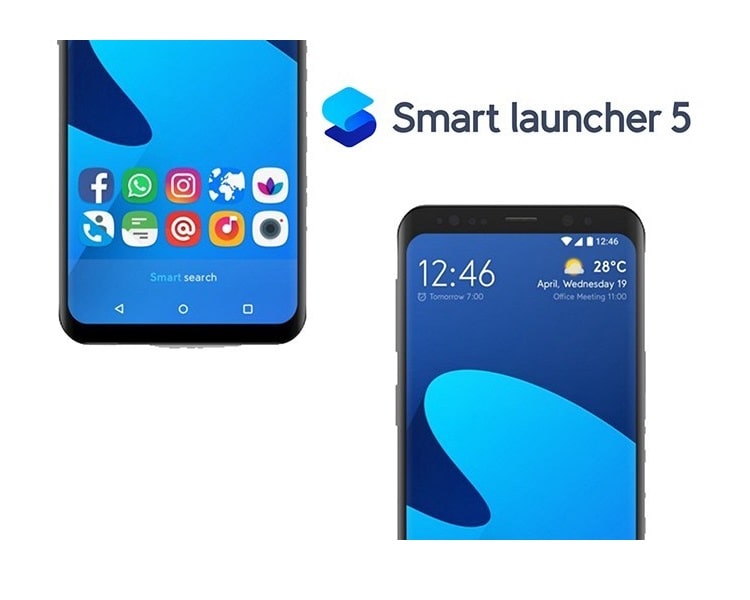
Smart Launcher 5 is quicker and manages to remain simple than all of its previous versions. The power button can be sued to unlock your screen but this Smart Launcher 5 includes gesture system, through which the user can easily lock or unlock their phone’s with only just a couple of tap on the screen. This Launcher is one of the Best Free launchers for Android but the premium version of this Smart Launcher 5 comes with the costs of $4.49. The undesired apps come in the free version of this launcher but the premium version is free of ads. Ultra immersive feature is also included in this Smart Launcher 5, which allows the user to get more space on the screen by hiding the navigation bar.
5. Apex Launcher:-
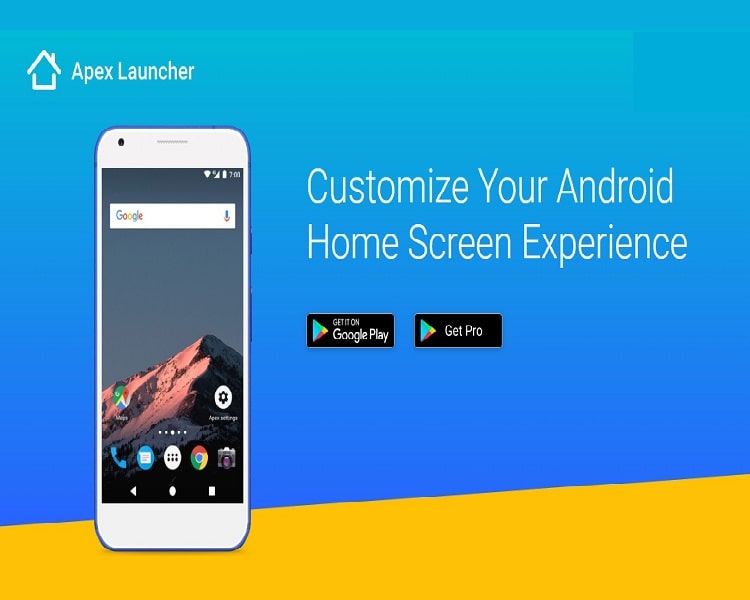
Apex Launcher is basically for theme lovers as it offers a huge amount of customization and does not contain any bloatware apps or ads. This launcher is very similar to the Nova Launcher, as it offers a wealth of options for the dock bar, folders, app drawers, and home screen. The Apex Launcher comes in the category of Best Android Launchers as it supports a huge selection of themes. One of the coolest features of this Apex Launcher includes that you can make the several uses of dock bars like you can go on the home screen by just tapping once on the home button, but if you double tap the home button then it can be used for another action.
6. Action Launcher:-
Action Launcher comes with a pixel twist and brings the material design to all the Smartphone with some of the latest features of Android Pie included in it. Pixel edition of this one of the Best Android Launchers includes tons of customization, color options, and some various unique features. A unique way to access your folders and apps is included in this launcher, as the user can easily customize the dock bar search, quick bars and can make use of covers. Action Launcher can be available at a free of cost in the market, so it can be said as one of the Best Free Launcher for Android.

About author

Best LED Black Friday TV Deals: Your TV Shopping Guide

Discover the best LED Black Friday TV deals for 2026: when sales start, how much you can save on LED, QLED, and OLED TVs, plus tips to spot fake discounts.
Portable Bluetooth Speaker: Best Picks for Your Travel Bag

Looking for a portable Bluetooth speaker for travel? Check out 5 easy-to-carry options with different sound, battery, and durability features.
Budget Gaming PC: The Smart Gamer’s Guide to Saving Money

Looking for a budget gaming PC? Learn how to choose the right GPU, CPU, RAM, storage, PSU, and cooling without overspending.
Why Is My Cell Phone Getting Hot? Learn the Quick Fixes

Wondering why is my cell phone getting hot? Discover the hidden triggers behind your device overheating and learn quick, safe tricks to cool it down fast.
How to Make Your Laptop Run Faster: Easy Ways to Speed Up

Is your laptop slow or freezing? Learn easy ways of How to make your laptop run faster, from clearing files and updating software to upgrading RAM and SSD.
Why Responsible IT Asset Disposition Matters in the Age of Constant Upgrades

Discover why responsible IT asset disposition matters in an upgrade-driven world, helping businesses protect data, reduce waste, and recover asset value.