
Operating System: A Beginner's Friendly User Guide
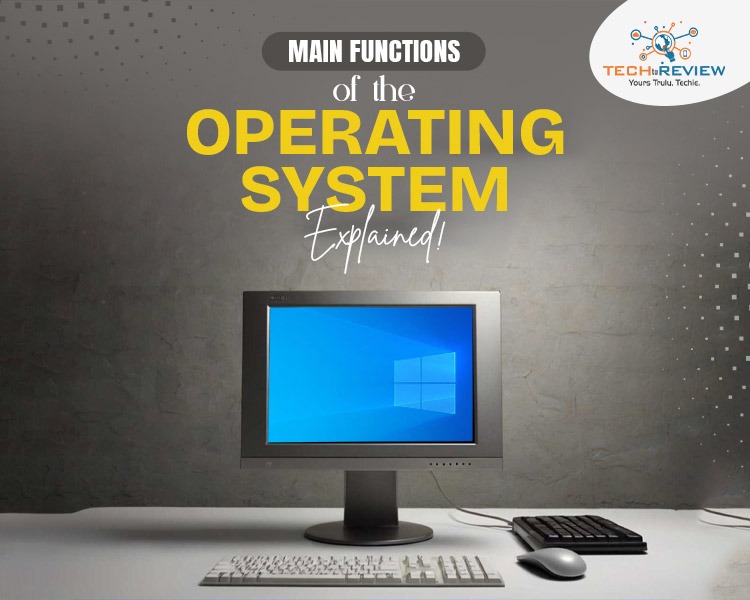
Most of the techs are skilled with computers, while some find it difficult to use them. In today’s world, computers are essential for growth and a successful future, but a lack of computer skills can be a major setback. To understand how a computer works, it's important to start with the operating system, which is key to understanding computers.
The computer’s main software transforms hardware into something we all can easily use. With the help of a computer's main software, users don’t have to deal with difficult technical stuff alone. It acts as a layer, making computers more efficient and faster. By knowing the main functions of the operating system, you can excel in computer skills.
Let’s briefly discuss the operating system, what it is, its objectives, main functions, types, and more. Read our complete blog and get useful insights.
What is an Operating System?
An operating system is the bridge between users and the hardware. It is a collection of software that manages hardware and applications by allocating resources, including CPU, input and output devices, file storage, and memory. A user interacts with an OS through a user interface (UI), which issues a command in a language the OS can understand.
However, the UI can be either a graphical user interface (GUI) or a command-line interface (CLI). No matter what the computer is, whether it's a mainframe, a desktop, or a mobile device, it requires at least one system software to perform tasks, run applications, and interact with the hardware.
Objectives of an Operating System
To better understand the main functions of an operating system, it is crucial to first know its objective. The primary objectives of OS are:
- OS provides the user interface for interaction, manages files and devices, and efficiently allocates computer memory, making it convenient for users.
- It increases a computer's efficiency by allocating resources and overseeing the execution and scheduling of processes and programs to maximise resource utilisation.
- A device software system protects against unauthorised access through security features and ensures system reliability with backup and recovery mechanisms.
What are the Main functions of an Operating System?
Here are the main functions of an operating system.
1. Process Management
The process management in the device software is highly responsible for the planning, execution, and management of the resources. When more than one process is running in the system simultaneously, resource allocation becomes important for the efficient functioning of the system.
2. Memory Management
Memory management is a collection of data in a fine storage format. It actually stores the instructions and processes the data accordingly. The CPU collects the data from memory and manages data allocation.
3. File System
The structure of files is managed by the system software, which also includes techniques for data archiving, retrieval, and access control. A file stores the information in its logical form. However, learning how to organise computer files makes computing easier. Among other main functions of an operating system, one important function is to decide how information on a storage medium can be stored.
4. Device Management
Device management of the OS manages the hardware and virtual devices of a computer. It handles communication with hardware devices, including driver support, input/output operations, and resource allocation.
5. User-Interface
Among the main functions of an operating system, managing user commands and hardware applications provides a user-friendly experience. The human-computer interaction of a device is known as the user interface. OS allows the user to interact with the computer and perform tasks efficiently.
6. Security
A device software system enforces security protocols, including user authentication, data protection, and access control. It ensures the confidentiality and integrity of system data, thereby securing the systems and their data.
Types of Operating System
After learning the main functions of operating systems, let's understand their types-
Single-Tasking OS
A single-tasking OS is known for handling one task at a time. These system softwares are simple and mostly found in embedded or early personal computers.
Multi-User OS
A multi-user OS allows multiple users to access and use a system simultaneously. Its best examples are UNIX and Linux, which use user accounts and access control to keep data safe and manage resources among users.
Real Time OS
Real-time OS are commonly used in Industrial control systems, robotics, and aerospace applications that require precise and immediate responses. These OS prioritise tasks and operations based on their urgency and criticality.
Operating System: The Heart of a Computer
Computers and humans cannot work together without a system software. It handles all the interactions between users and the hardware, making it easier and faster to function.
The operating system is the heart of a computer, ensuring a convenient way for users to interact with it, manage resources, and protect.
The future of device software is combined with AI to predict user behaviour, optimise resource allocation, and adapt to changing workloads in real time. The idea is to leverage machine learning with automation to reduce downtime by automatically detecting issues before they occur.
This significant step is important to ensure better resource allocation, data protection, smooth and efficient functioning, and provide a personalised user experience.
About author

How to Download Netflix Series as MP4 on a Laptop

Are you planning a long flight or weekend trip without reliable internet? Downloading your favorite Netflix series in advance seems like the great solution.
From Cards to Screens: The Evolution of Digital Games

Card games and board games used to come with a fair bit of setup. You needed the cards, pieces or board in front of you, and in many cases someone else had to be there too.
RTX 5060 vs RTX 4060: Is the Newer GPU Worth Your Money?
RTX 5060 vs RTX 4060: Compare gaming performance, FPS, GDDR7 vs GDDR6, DLSS features, power consumption, and prices to choose the right GPU in 2026.
How I Reclaimed Crucial SSD Space Without Deleting Essential Data Using Advanced SystemCare 20

I did not want to drag folders to the Recycle Bin and hope for the best. I wanted to free up room without losing documents, photos or settings. That is how I ended up testing Advanced SystemCare 20, a free Windows cleaner from IObit.
Samsung TV Not Connecting to WiFi? Get the Easy Fixes Here

Samsung TV not connecting to WiFi? Learn why it happens, try easy step-by-step fixes, and know what to do if nothing works. Fix & get back to streaming fast.
Rangefinder Digital Cameras: Benefits and Limitations

Discover what a rangefinder in digital camera is, how its focusing works, its advantages and limitations, and why photographers love it for street photography.