
Why I Added Smart Game Booster to My Gaming Setup: My Honest, Real-World Verdict
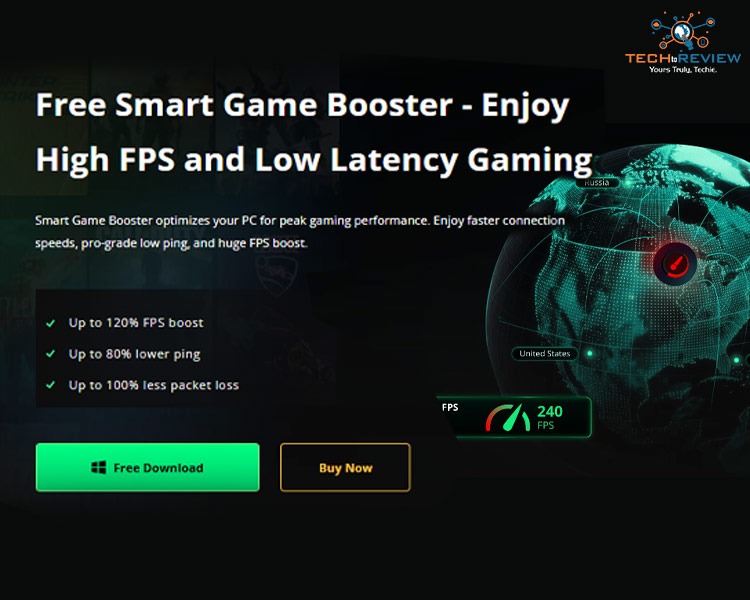
I've spent more hours than I'd like to admit troubleshooting stutter and ping spikes in the middle of a ranked match. Over the last few months I tested a lot of "optimizer" tools that promised smoother frames and lower latency, and most of them either did nothing measurable or quietly bloated my startup with junk processes. This is a first-person account of what actually happened when I put Smart Game Booster on my own rig for several weeks the good, the underwhelming, and the parts that genuinely surprised me.
First Impressions: A Library That Already Knew My Games
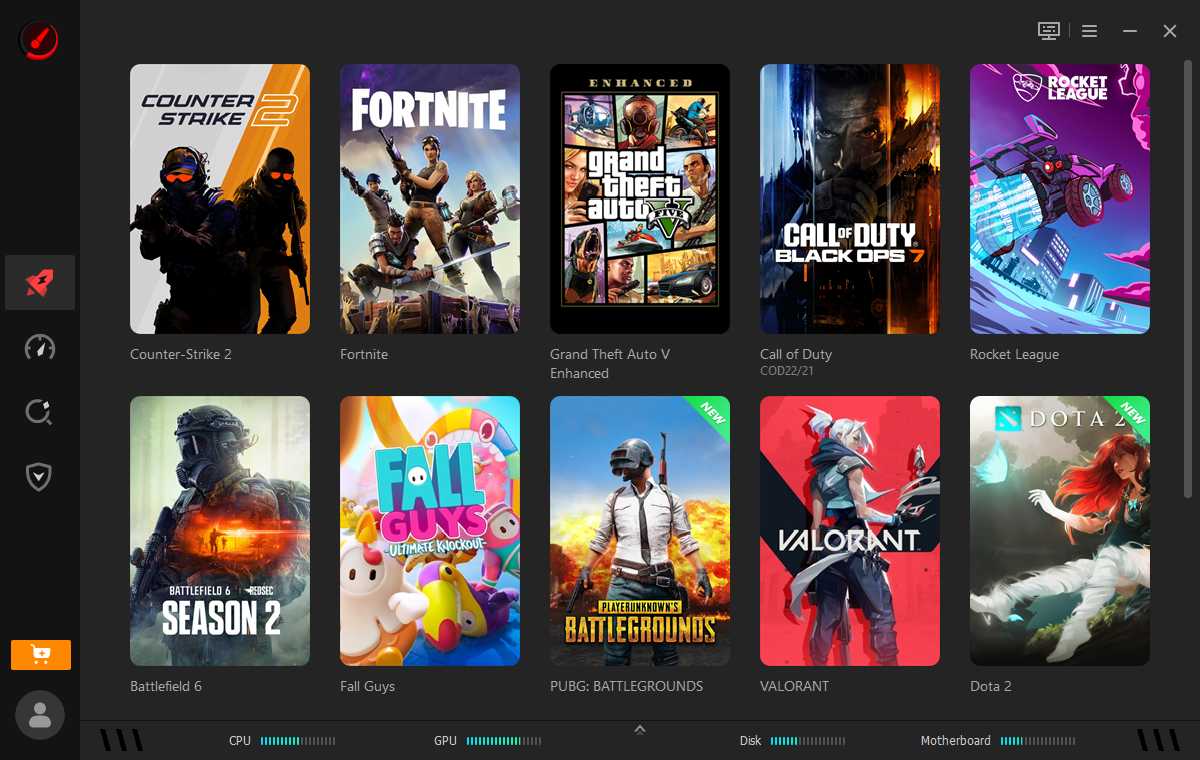
The moment I installed it, Smart Game Booster scanned my drives and populated a clean game library automatically Counter-Strike 2, Fortnite, GTA V Enhanced, Call of Duty: Black Ops 7, Rocket League, Battlefield 6, Fall Guys, and Valorant were all there without me lifting a finger. For the couple of titles it missed, adding them manually took under a minute: a name field, a browse-to-executable button, and an optional launch parameters box.
Putting the Booster to the Test on Black Ops 7
Rather than trust marketing claims, I ran my own before-and-after test on Call of Duty: Black Ops 7, since that's the game I've had the most frame-time complaints about. From the game's dedicated panel I toggled on PC Boost and left Network Acceleration off for this first pass, since that feature is gated behind a subscription tier and I wanted to isolate the local-machine gains first.
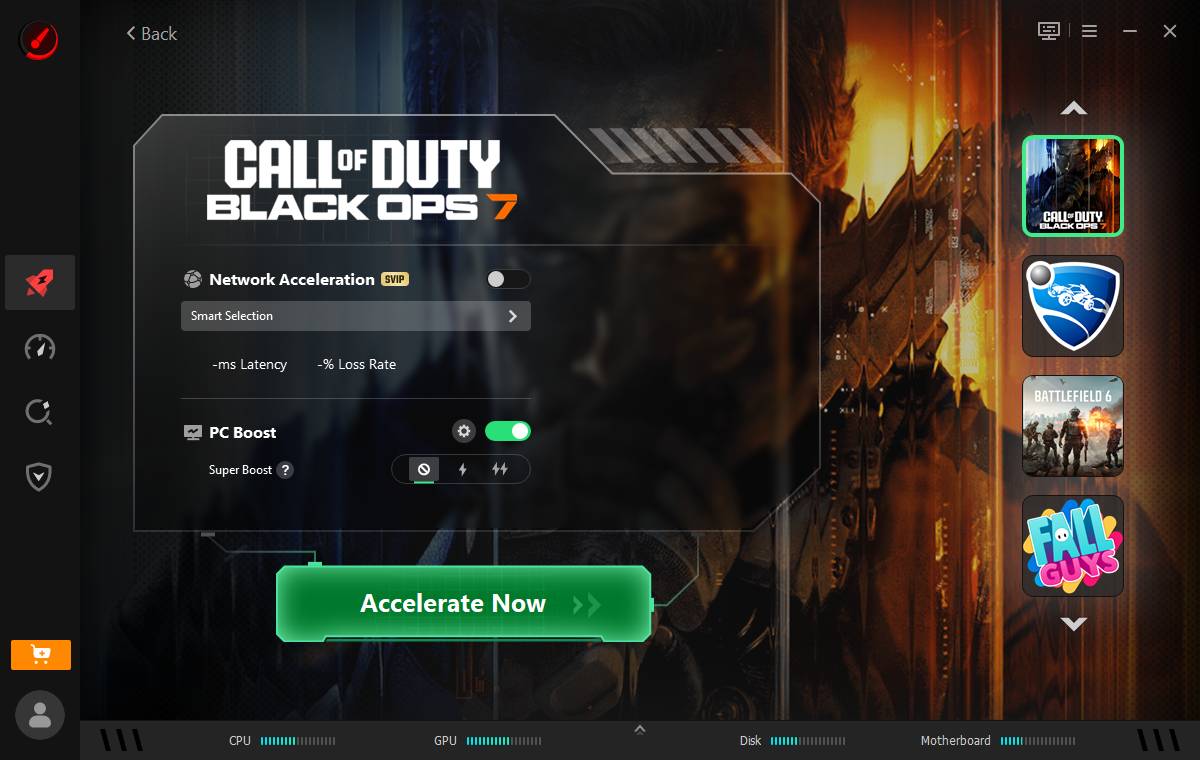
Hitting "Accelerate Now" kicked off a short optimization pass with a visible progress bar, closing background processes and freeing memory reserved for the game.
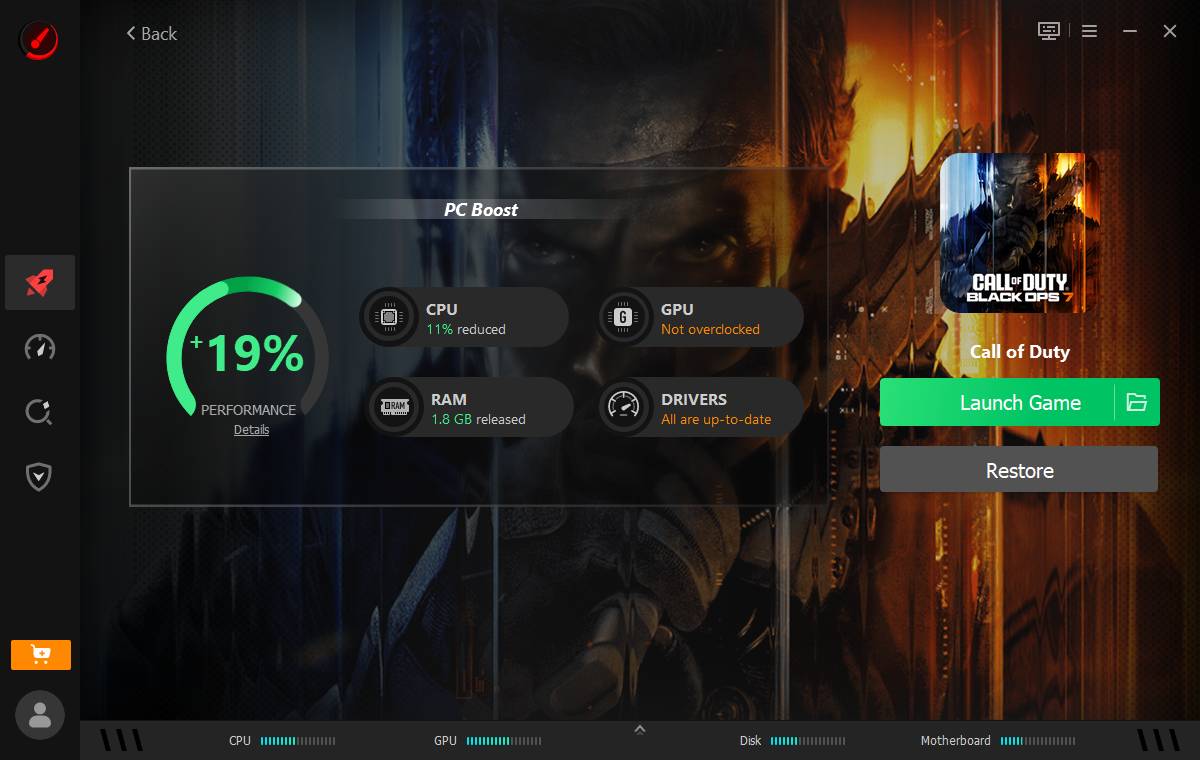
The result screen is where the tool earns some real credibility, in my experience — it doesn't just say "boosted," it shows the actual delta: a 19% performance uplift, 11% CPU load reduction, and 1.8 GB of RAM released, along with confirmation that my drivers were current. That kind of transparency matters to me more than a vague marketing percentage, because I could correlate it with a smoother frame pacing in-game afterward.
The System-Wide Scan Did More Than I Expected
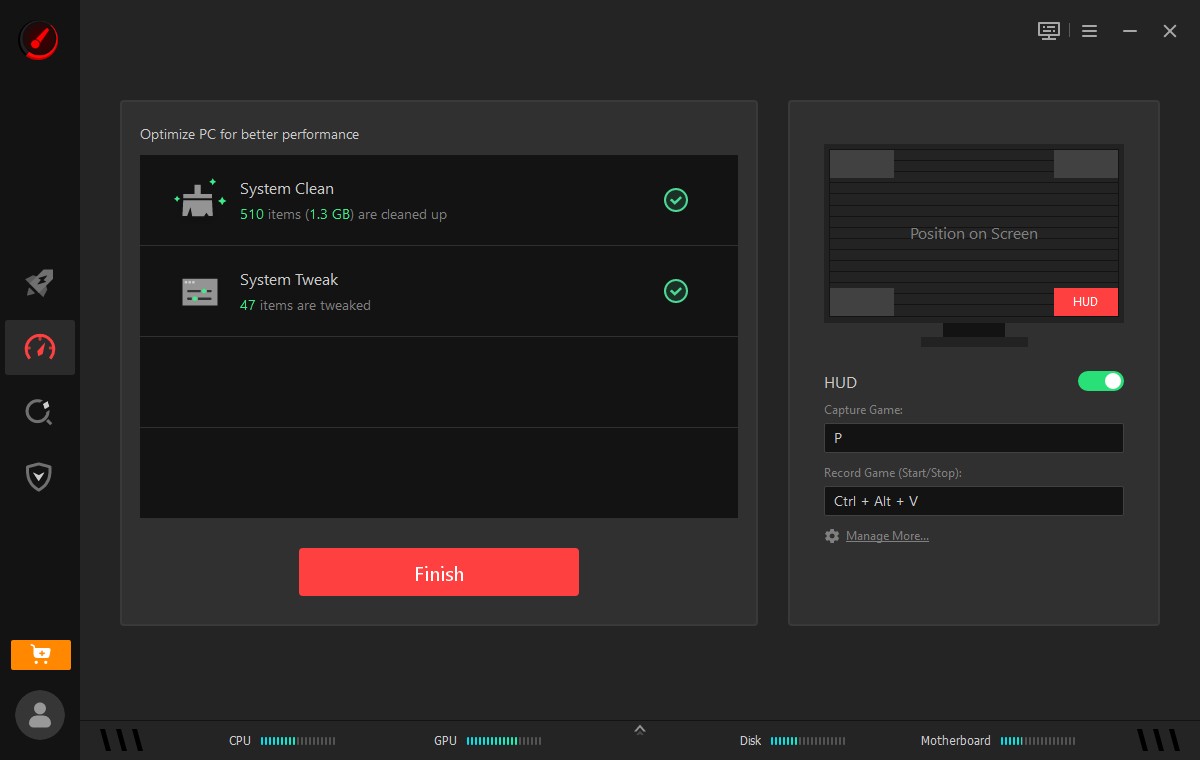
Beyond individual games, the Performance section runs a full system scan covering System Clean, System Tweak, Driver Update, and Game Defrag. I let it run unattended while I made coffee, and it came back having flagged over a thousand junk files and dozens of tweak able settings.
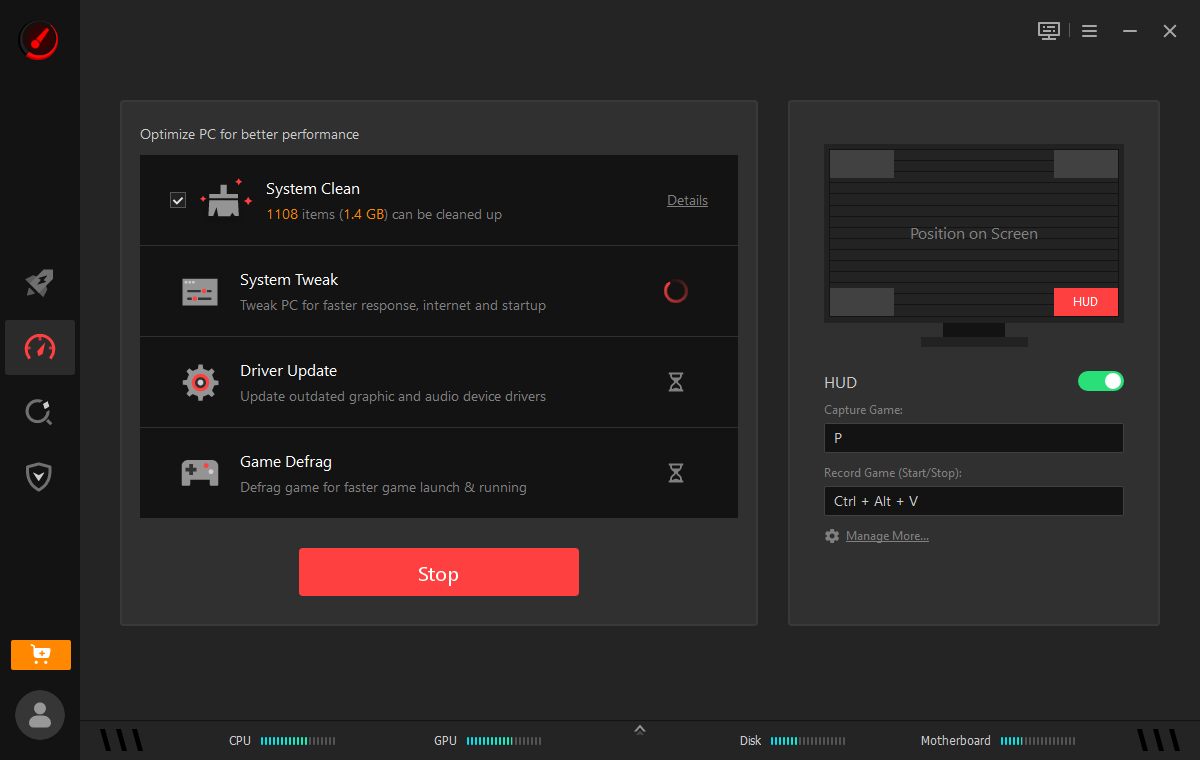
Clicking Fix cleaned up roughly 1.3 GB of clutter and applied the recommended tweaks in under a minute, with a clear checkmark confirmation when it finished.
Can I Run It? Checking Compatibility Before I Buy
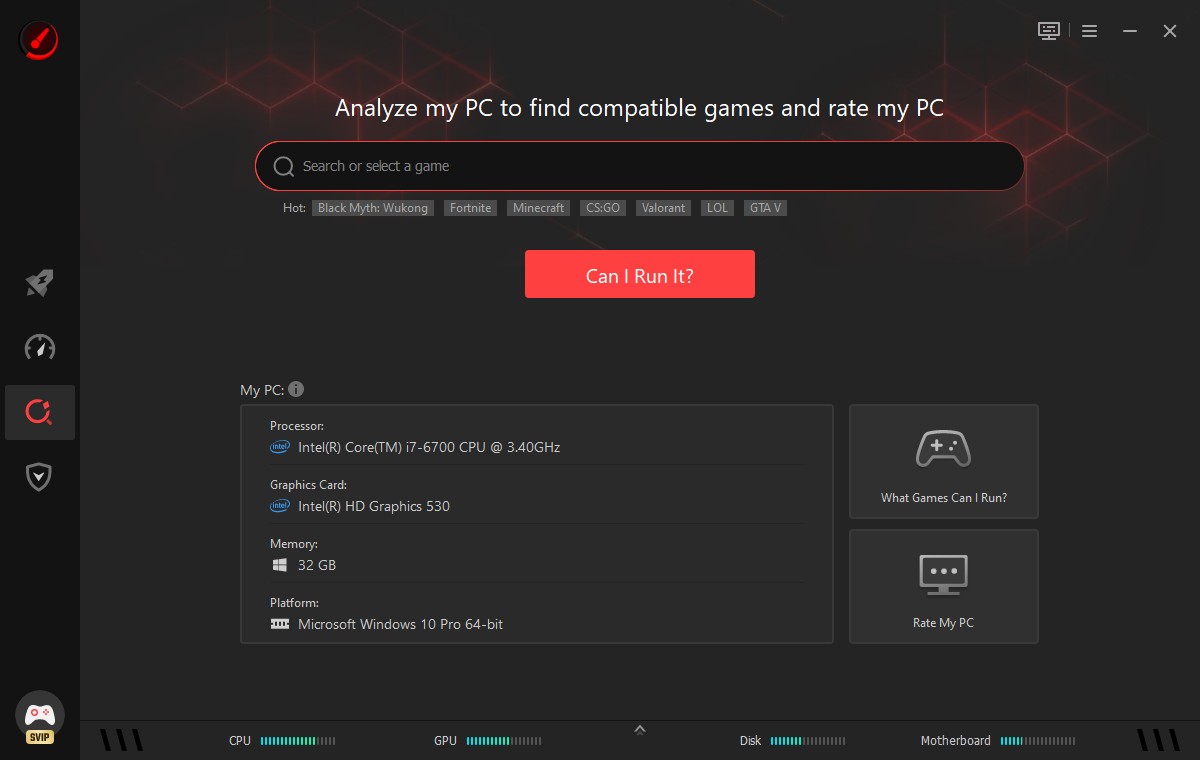
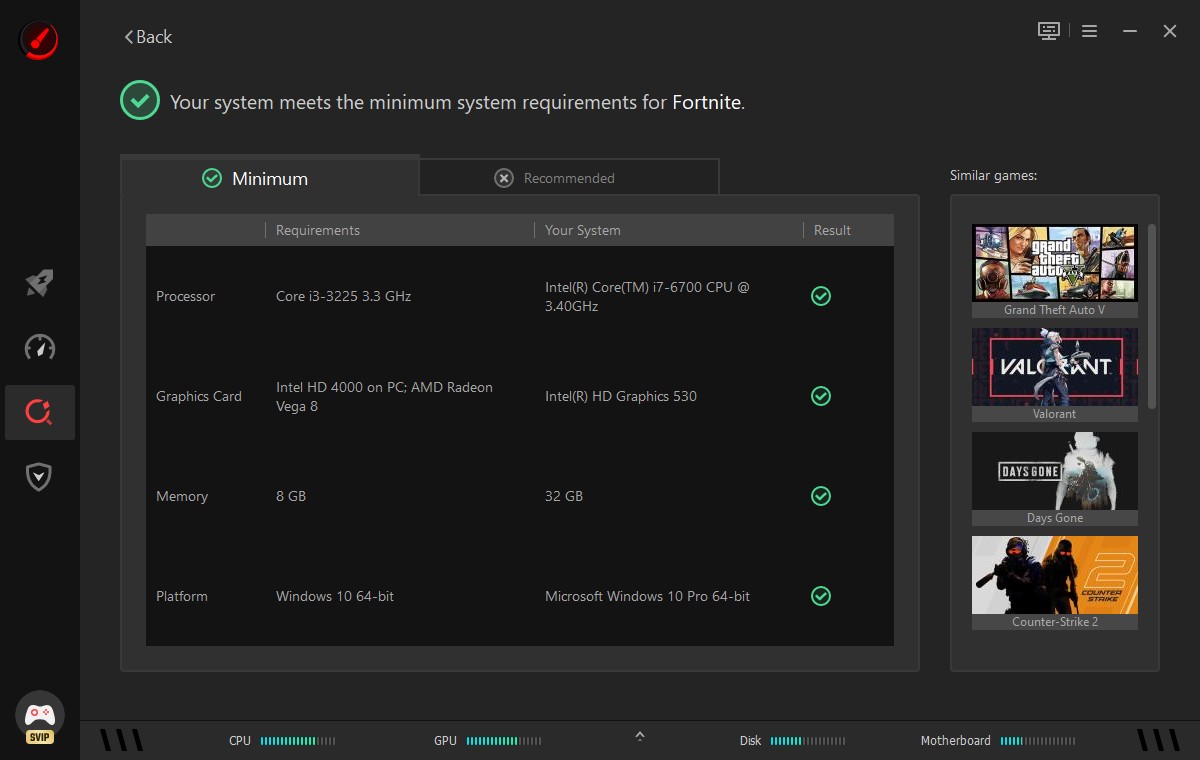
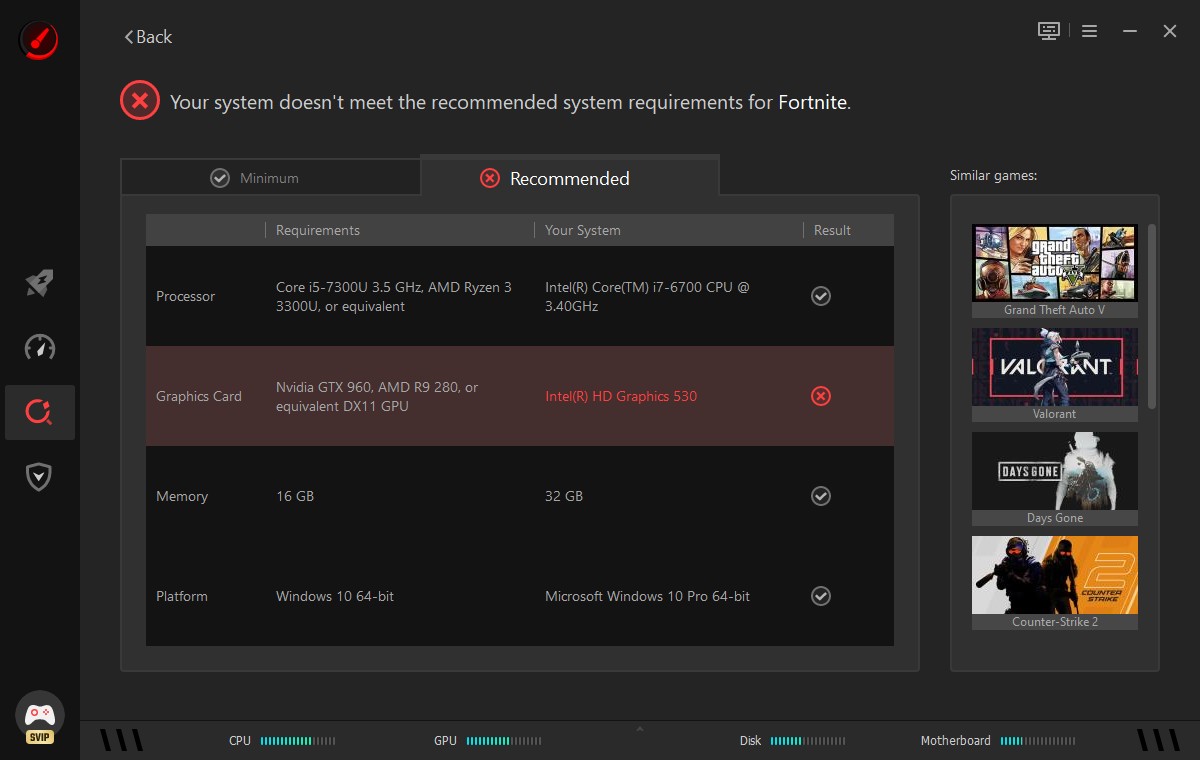
One feature I didn't expect to use as much as I did was the "Can I Run It?" checker. Before picking up a new release, I typed in Fortnite to sanity-check my aging i7-6700 and integrated graphics against both the minimum and recommended specs.
The Smart Game Booster confirmed I cleared the minimum bar comfortably, but was honest that my Intel HD Graphics 530 fell short of the recommended GPU tier a distinction a lot of "can you run it" sites gloss over.
Security Checks I Didn't Ask For, But Appreciated
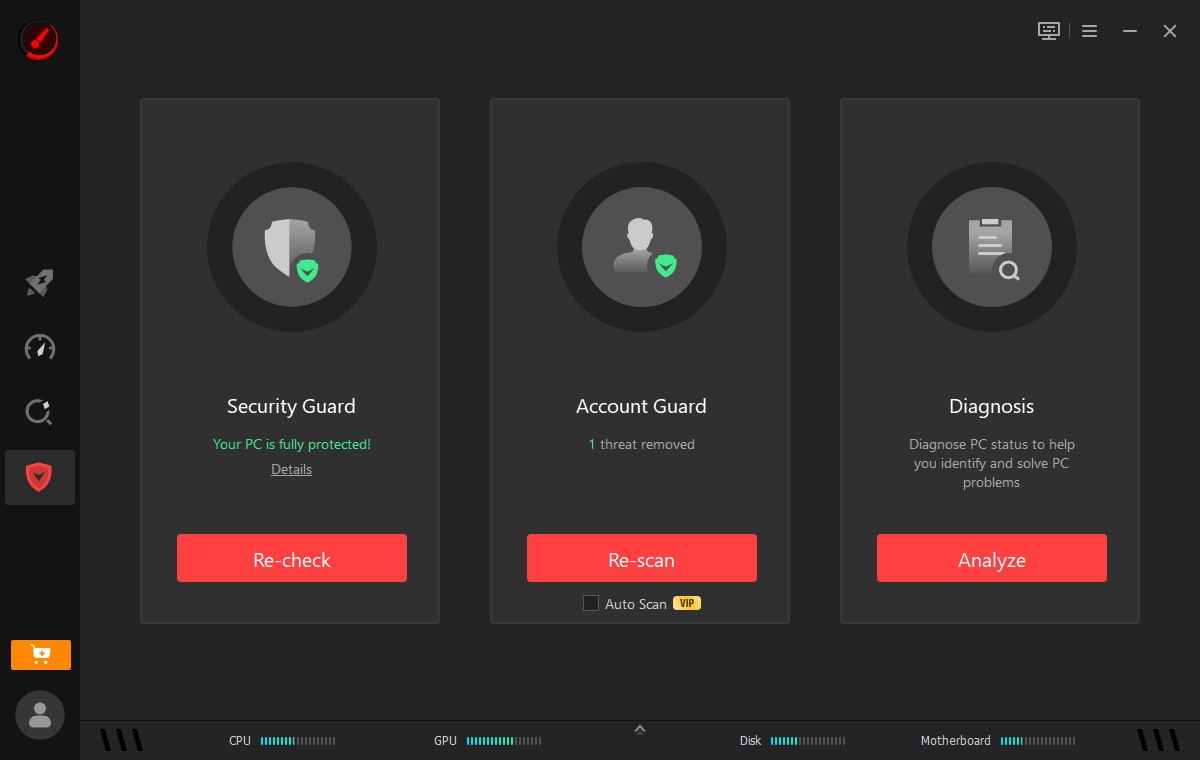
I wasn't expecting a game booster to touch security at all, but the Guard section runs Security Guard, Account Guard, and Diagnosis checks alongside the performance tools. My antivirus and firewall protection both came back active and green.
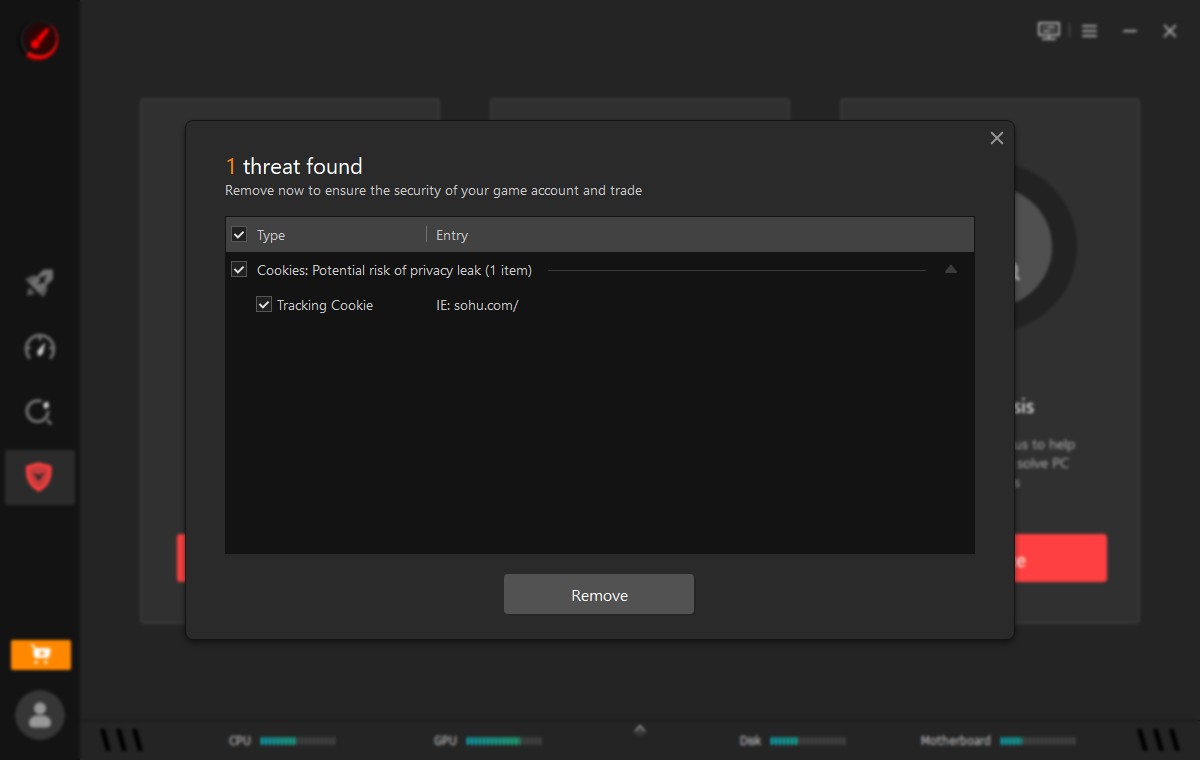
Account Guard actually caught something real on my system: a tracking cookie tied to an old browsing session that it flagged as a privacy risk. I reviewed the single item, approved the removal, and it was gone within seconds a small thing, but it's the kind of housekeeping I'd otherwise never think to check manually.
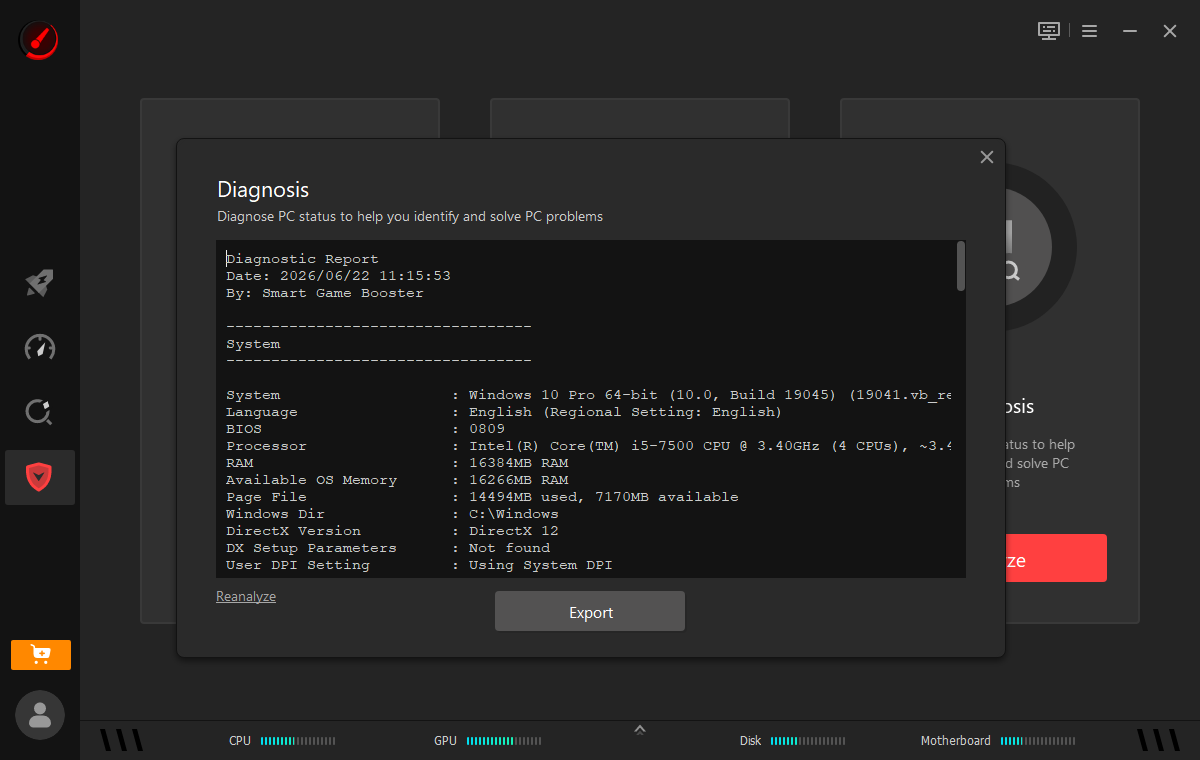
Finally, the Diagnosis tool generated a full system report OS build, BIOS version, processor, RAM, DirectX version, and more that I exported and kept on hand for the next time I need to troubleshoot or ask for support help.
My Honest Verdict
I don't hand out easy praise for utility software most of it is filler. But after weeks of daily use across a range of titles, Smart Game Booster earned a permanent spot in my startup tray. The per-game boost numbers were verifiable rather than vague, the system scan cleaned up real clutter, and the security add-ons caught something I'd genuinely missed.
If your bottleneck is more about network latency than local performance, it's worth pairing this with the dedicated FPS Booster module, which focuses specifically on squeezing out extra frames rather than general system cleanup.
Is it a magic wand that turns a six-year-old CPU into a flagship rig? No the Fortnite recommended-spec check made that limitation clear rather than hiding it, and I respect that honesty. But as a free-to-start layer of visibility and cleanup sitting on top of my existing setup, it's earned its place in my routine, and I'll keep running it before every serious session.
About author
Why I Added Smart Game Booster to My Gaming Setup: My Honest, Real-World Verdict

I've spent more hours than I'd like to admit troubleshooting stutter and ping spikes in the middle of a ranked match.
From Cards to Screens: The Evolution of Digital Games

Card games and board games used to come with a fair bit of setup. You needed the cards, pieces or board in front of you, and in many cases someone else had to be there too.
RTX 5060 vs RTX 4060: Is the Newer GPU Worth Your Money?
RTX 5060 vs RTX 4060: Compare gaming performance, FPS, GDDR7 vs GDDR6, DLSS features, power consumption, and prices to choose the right GPU in 2026.
How I Reclaimed Crucial SSD Space Without Deleting Essential Data Using Advanced SystemCare 20

I did not want to drag folders to the Recycle Bin and hope for the best. I wanted to free up room without losing documents, photos or settings. That is how I ended up testing Advanced SystemCare 20, a free Windows cleaner from IObit.
Samsung TV Not Connecting to WiFi? Get the Easy Fixes Here

Samsung TV not connecting to WiFi? Learn why it happens, try easy step-by-step fixes, and know what to do if nothing works. Fix & get back to streaming fast.
Rangefinder Digital Cameras: Benefits and Limitations

Discover what a rangefinder in digital camera is, how its focusing works, its advantages and limitations, and why photographers love it for street photography.