
How to Delete Call History in iPhone - Follow This
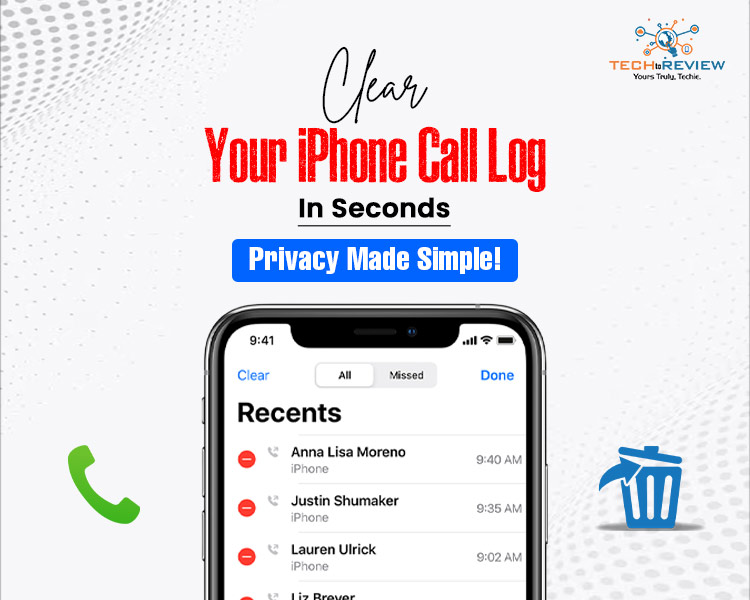
Have you ever needed to clean up your iPhone's call history? It may be due to privacy, personal preference, or simply instinct, but knowing how to delete call history in iPhone can keep you out of uncomfortable situations or just the mental clutter caused by unwanted digital traces left behind. This article reviews the what, why, and how, with examples and practical suggestions included!
Why the iPhone Call History Matter?
Each time you connect with someone, the iPhone logs it as more than just the number; it logs every call you have made or received, every FaceTime, WhatsApp, Zoom call, and more. They are also tracking missed calls, which is useful for keeping track, but there are also privacy implications to consider.
Take, for instance, Riya. She had planned a surprise birthday party for her fiancé, and she left her phone near his room. He almost pulled up the decorator's number! Unless Riya knew how to delete call history on her iPhone, the surprise would be ruined!
What’s in Your Call Log?
Each entry contains key details: name/number, time, call type (incoming, outgoing, missed), and app used. Here’s a breakdown of essential call history features:
Knowing this lets you manage your data more smartly .
How to Delete Call History in iPhone
Want to tidy things up? Here is How to delete call history in iPhone step by step:
Delete Single Calls:
- Open the phone app
- Pick the Recents tab
- Swipe left on the number you want to delete
- Tap delete
This is how to delete call history in iPhone, such as calls from delivery agents or one-off clients.
Follow these steps to how to clear call history on iphone:
- Open the phone app
- Tap Recents
- Select Edit at the top right corner
- Tap Clear → Clear All Recents
And just like that, your call log is refreshed and empty. This is great if you're giving away your device or just want to start fresh.
What Happens When You Delete It?
After knowing how to delete call history in iPhone, remember that:
- The data can still exist as part of an iCloud backup
- If you've synchronised it to your iPad or other devices, they may still show the calls
- Your mobile network operator might keep separate call records
However, if you've done the above, you've done as much as you can to manage what information is displayed on your iPhone and this is how to clear call history on iphone.
For Your Better Understanding
Small business owners like wedding planners juggle more than 50 calls a day. At the end of each week, they delete all the calls that are not pertinent, as they are aware how to delete call history in iPhone, they do not get confused when reviewing the client list.
Frequently Asked Questions
Well, now may have a clear understanding of how to clear call history on iPhone, so here we’ll answer some common questions:
1. Will deleted calls show up on my other Apple devices?
Only if iCloud syncing is enabled yes-until deleted from all synced devices.
2. Can I delete FaceTime calls separately?
No, not separately, but any call listed in the recent option can be deleted, including FaceTime.
3. Does deleting call history affect my carrier log?
No. Your network provider maintains a separate record.
4. Does deleting call history affect my carrier log?
No. Your network provider maintains a separate record.
About author

Samsung TV Not Connecting to WiFi? Get the Easy Fixes Here

Samsung TV not connecting to WiFi? Learn why it happens, try easy step-by-step fixes, and know what to do if nothing works. Fix & get back to streaming fast.
Rangefinder Digital Cameras: Benefits and Limitations

Discover what a rangefinder in digital camera is, how its focusing works, its advantages and limitations, and why photographers love it for street photography.
Why Phone Storage Gets Full Even If You Barely Install Anything

Discover why your phone storage fills up without installing apps. Learn how cached files, photos, hidden downloads, and system data consume space.
Top 5 Entry-Level DSLR Camera Picks to Buy in 2026

Looking for a great beginner camera? Discover the top 5 entry-level DSLR cameras to buy in 2026, featuring the best budget, travel, and video choices.
Best LED Black Friday TV Deals: Your TV Shopping Guide

Discover the best LED Black Friday TV deals for 2026: when sales start, how much you can save on LED, QLED, and OLED TVs, plus tips to spot fake discounts.
Portable Bluetooth Speaker: Best Picks for Your Travel Bag

Looking for a portable Bluetooth speaker for travel? Check out 5 easy-to-carry options with different sound, battery, and durability features.