
Why Phone Storage Gets Full Even If You Barely Install Anything
If you think about it, phones are literally portable warehouses for photos, messages, downloaded videos, documents, and everyday apps.
But even if you don't install things, it still feels like your phone's space is getting full by itself. “Why?" It's because installed apps aren't the only things that take up space on your phone.
Temporary files, offline downloads, message attachments, and cached media can build up in the background as you use your phone. The problem starts when you forget about them.
But hold up! Before you decide to factory reset your phone or buy a bigger one, it may be worth looking into the places that your existing space is going.
App Cache and Hidden Downloads: More Space Than You Think
Every time you browse the internet, stream a video, or open an application, your phone may save temporary files to make the next sessions faster.
From image thumbnails to website elements, it basically tries to recall a bit of everything it encounters for the next time you use a certain app.
While caching saves time because your device doesn't have to download everything from scratch, apps that you use very regularly can accumulate much-needed temporary space as they go.
Messaging applications are another common culprit of increasing storage use. When you've seen a photo, video, voice message, or document shared in a group chat, it can stay on your device for a long time.
Streaming platforms can also take up space if you download movies, music, or episodes of shows for offline use.
All of your applications, however small, add to the big picture. For example, if you install something like PHBingo APK, you’re adding another app that will take up space on your phone’s storage, plus whatever else the app might keep locally.
The amount of space used is dependent on the application and what it keeps stored.
The important difference to note is between an app's installation size and how much space it takes altogether. An application that takes up little space may gather more data as you continue to use it.
How can you check what takes up space?
Open Settings and look for Storage. For most Android phones, you should be able to see which apps and files are the main culprits for your dwindling storage space.
You can also open the Apps section and select an application to check its storage details.
On an iPhone, you can go to Settings > General > iPhone Storage. The screen will list the installed applications and report their storage usage so that you can identify the ones that need to be reviewed more closely.
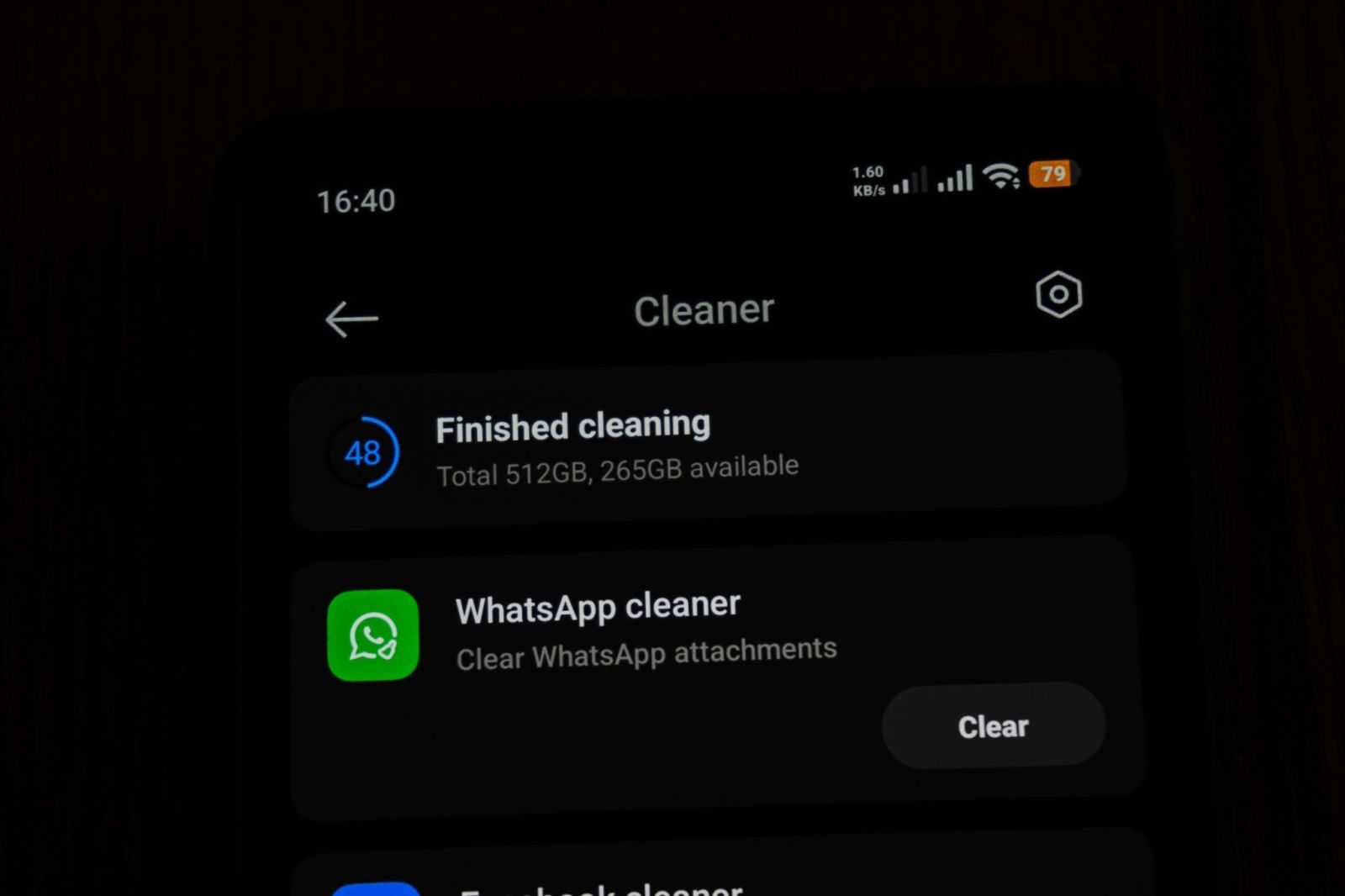
How to Free Up Space Without Deleting Important Files
Now that you know what’s taking up space on your phone, you can start deleting it selectively. The idea is to get rid of things you don’t need without losing important files, saved preferences, or apps you use regularly.
Begin with downloads and large media files. Check your Downloads folder and delete old documents, installations, and files that you don't need.
Review your offline videos and music in the streaming applications as well. It is better to remove downloaded content rather than several small apps.
Clear app caches when necessary. On Android, you should be able to find the Clear cache option under either Settings > Apps or Apps > [App name] > Storage.
The exact path will depend on the device you are using. Clearing the cache will delete temporary files, but some content may need to reload the next time that you open the application.
Avoid confusing "clear cache" with "clear storage" or "clear data," which can remove the locally stored application information, settings, and other content.
Depending on the app, you may have to sign in again or retrieve information that was not backed up.
Review your messaging applications. Some have built-in storage managers that identify large files and frequently forwarded media. Use their tools to delete unwanted attachments rather than deleting whole conversations indiscriminately.
You may want to offload unused applications. On iPhones that support the Offload App, this function will remove an application's installation but will retain its documents and data.
Android devices may also have app archiving features, depending on their software version and settings.
And finally, remember that cloud storage and device storage are not the same. Just uploading a photo to a cloud service will not necessarily remove its local copy.
If you intend to delete that copy, you need to make sure that the file has been backed up and that you understand how your chosen service handles deletion and synchronization.
Keep Your Phone's Storage Under Control
Managing your smartphone's storage doesn't have to be a constant burden or involve deleting everything that you rarely use.
A simple glance at your largest apps, downloaded media, and cached files can show you where your space goes.
Make it a habit to review storage when your phone warns you about running low. Delete unwanted downloads, review the apps that have accumulated more data, and use your device's available storage recommendations.
But most importantly, avoid deleting app data or files on the spot without knowing what they are.
A little attention to storage can help you keep your phone more organized, retain important information, and make the most of your hardware.
About author
Designkit Free Background Remover: Easy Photo Cleanup

Remove image backgrounds for free with Designkit. Upload up to 15 images per batch, download them all at once, and get clean product photos with no software.
How Counter-Strike 2 Refreshed the World of Skin Collecting

Discover how Counter-Strike 2 transformed skin collecting with upgraded visuals, redesigned skins, enhanced trading experiences, and new opportunities for collectors.
Essential Hardware for Modern Pop-Up Events

Discover the essential hardware for modern pop-up events, from display stands and lighting to portable fixtures, designed to create impactful, functional event spaces.
16 Bit vs 8-Bit: Which Is Better for Photo Editing?

Learn the difference between 16-bit and 8-bit images, including colour depth, editing flexibility, file size, and which option is best for your photos.
Why Choose SaveFromIns for Instagram Video Downloads?

Instagram has a variety of videos that you can watch, including cooking tutorials, travel guides, educational, product demos and creative reels. If you come across a video that you would like to save, it can be difficult to locate the same post again, with lots of new content in your feed.
How to Download Netflix Series as MP4 on a Laptop

Are you planning a long flight or weekend trip without reliable internet? Downloading your favorite Netflix series in advance seems like the great solution.