
Green Horizontal Line on Phone Screen? Here’s the Solution
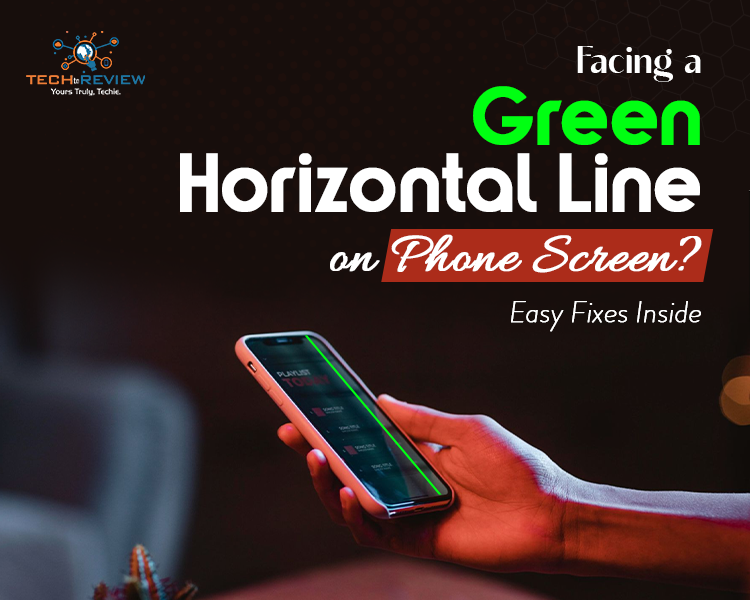
Imagine you are scrolling through your phone, maybe chatting with your friend on WhatsApp, catching up on social media or streaming a movie, and suddenly…. You come across a green horizontal line on phone screen. No wonder panic sets in.
Because our mobile are basically our extended version of us these days. Everything from messaging, entertainment, to office mail runs on our phones. So we can’t just ignore it.
But, nothing to worry; you’re not alone, and this doesn’t mean that your phone is irreparable. You just need to give your phone a little attention and try some troubleshooting steps to fix the issue.
If you want to know the actual reason for a green horizontal line on your phone screen and how to fix it, this blog can help. It has some simple steps to fix minor screen issues. Let’s begin.
Why is There a Green Line on Phone Screen?
Blue spots, black patches and green lines don’t mean your phone is hacked. It is usually a sign that something is wrong with your display, and it generally falls into one of these categories.
1- Hardware Problems
Often, a green horizontal line on phone screen is caused by a hardware issue. This can be a loose or damaged display connector inside your phone, or the screen itself might be failing.
2- Software Problem
Not all screen problems are physical. Sometimes, a software glitch can cause a green line on Android phone's screen. Maybe your phone just installed an update. This is less serious than a hardware issue and easier to fix.
3- Water or Heat Exposure
Another main cause for a green horizontal line on phone screen is water and heat exposure. If your phone gets wet or comes in contact with heat, internal components could have been slightly damaged, causing your display to misbehave.
4- An Incompatible App
Sometimes it's nothing but an incompatible app that causes and forces you to search for how to get rid of green horizontal line. Some apps are heavier than usual or may not support your phone’s operating system.
5- Screen Burn-In
If your phone has an OLED screen, it’s possible, though rare, for certain areas to develop permanent discolouration over time. This is usually a green horizontal line on phone screen in many cases.
How to Get Rid of Android Phone Screen?
Okay, we know why it happens. Let's talk about the fixes. Some are simple, others are a little bit trickier, but don’t require immediate technical help from a professional.
1- Restart Your Phone
Yes, the all-time ‘Turn it off and on’ method can fix a green horizontal line on phone screen. However, it can’t fix the permanent issue, but a temporary problem can be resolved with this simple trick. Just turn it off and on and check if it works. In most cases, it does.
2- Update Your Software
Check if your phone has a pending software update. Sometimes, manufacturers release patches specifically designed to fix display bugs, such as a black patch on the screen or a green horizontal line on phone screen. Go to Settings, Software Update, and install any updates.
3- Boot in Safe Mode
If you find that an app is causing a problem, rebooting your phone can help you. It is the safest way to fix a green line on Android phone screen. This occurs only when the specific app is installed and disappears after uninstalling. So if you have been looking for how to get rid of green horizontal line, uninstall recently installed or suspicious apps and see if that helps.
4- Check for Physical Damage
Inspect your phone closely. Are there any cracks, dents or signs of water damage? Even a tiny drop of water inside a phone screen can cause a display issue. So if you wonder how to get rid of green horizontal line, check for physical damage first.
5- Gently Press or Tap the Screen
It may sound risky, but a slight pressure on your screen can fix the loose connection. If you see a green horizontal line on phone screen, switch off the phone and gently press along the line.
6- Factory Reset
If none of the above workarounds works, go ahead with the factory reset. Maybe it can help you. But, back up your data first.
Go to Settings>System>Reset Options>Erase All Data.
This will clean the data and often clear stubborn glitches.
7- Seek Professional Help
If the line is still there, it’s time to consult a professional, go to the service centre. They can check the cause of a green horizontal line on phone screen. Maybe they will ask to replace the display, which could be pricey depending on the model. But sometimes that’s the only way to fix a green horizontal line on phone screen.
Preventing Green Lines in the Future
- Use a solid case to protect your phone.
- Avoid pressure on the screen.
- Keep software updated, or check whether the latest updates aren’t causing a green horizontal line on phone screen.
- Beware of water and heat.
It’s Not That Risky
Seeing a green line on Android phone screen can be annoying, but it's not the end. In many cases, it's a simple software glitch that can be resolved with a straightforward update. But if it's a hardware glitch, you would need professional repair.
No doubt it is frustrating, but it does not cause any problem in using the phone. You can use apps, scroll social media and stream movies without disruptions.
So next time you see a green horizontal line on your phone screen, don’t panic. Just look for how to remove the green line from the mobile screen without repair.
About author

How to Make Your Laptop Run Faster: Easy Ways to Speed Up

Is your laptop slow or freezing? Learn easy ways of How to make your laptop run faster, from clearing files and updating software to upgrading RAM and SSD.
Why Responsible IT Asset Disposition Matters in the Age of Constant Upgrades

Discover why responsible IT asset disposition matters in an upgrade-driven world, helping businesses protect data, reduce waste, and recover asset value.
3:2 vs 16:9: Which Aspect Ratio Should You Choose

Wondering about 3:2 vs 16:9 aspect ratios? Learn the key differences, best use cases, and limitations to pick the right one for your shots.
Fujifilm X100T Review: Real-World Quirks No One Talks About

Discover real-world Fujifilm X100T quirks no one talks about. Learn the truth about battery life, macro parallax errors, and ND filters.
Find the Absolute Best Streaming TV Service in 2026

Ditch expensive cable with confidence! Discover the 10 absolute best streaming TV services in 2026, from YouTube TV to Netflix, for your perfect setup.
Dolby Atmos Spatial Audio: 2026 Stats & Download Guide

Discover how to download Dolby Atmos music, explore Apple Music vs. Spotify spatial audio trends, and view 2026 market growth statistics.