
How to Convert Low-Res Product Demo Videos to HD for Shopify Ads
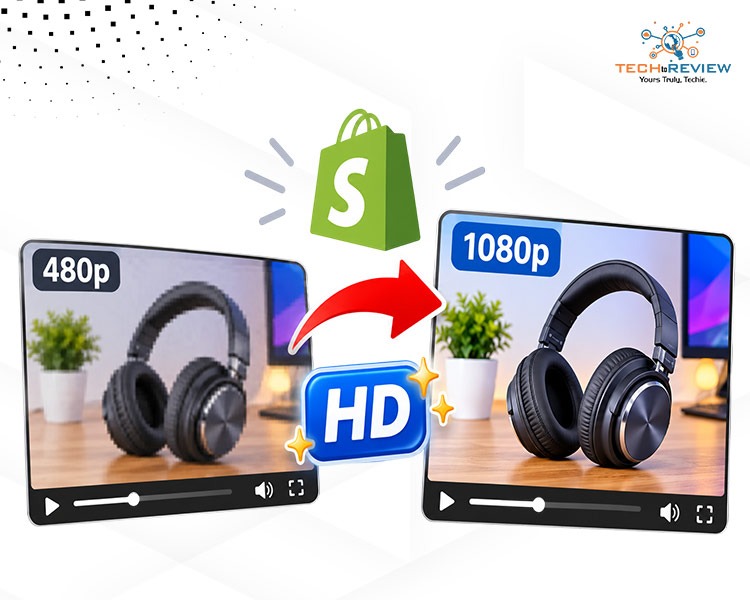
Your product is amazing, but your demo video isn't.
This is one of the problems that many Shopify store owners face. Upload this low-res demo to the Shopify page or to Facebook Ads, and all of a sudden, the video will become even more blurry—which is definitely not the first impression you want to give to your potential buyers.
You don't have to reshoot anything to fix this, however. Just update your demo videos to HD, and you will be amazed by the results.
Here is a free online workflow using Wink that works specifically for product ads.
Why Low-Res Kills Product Ads
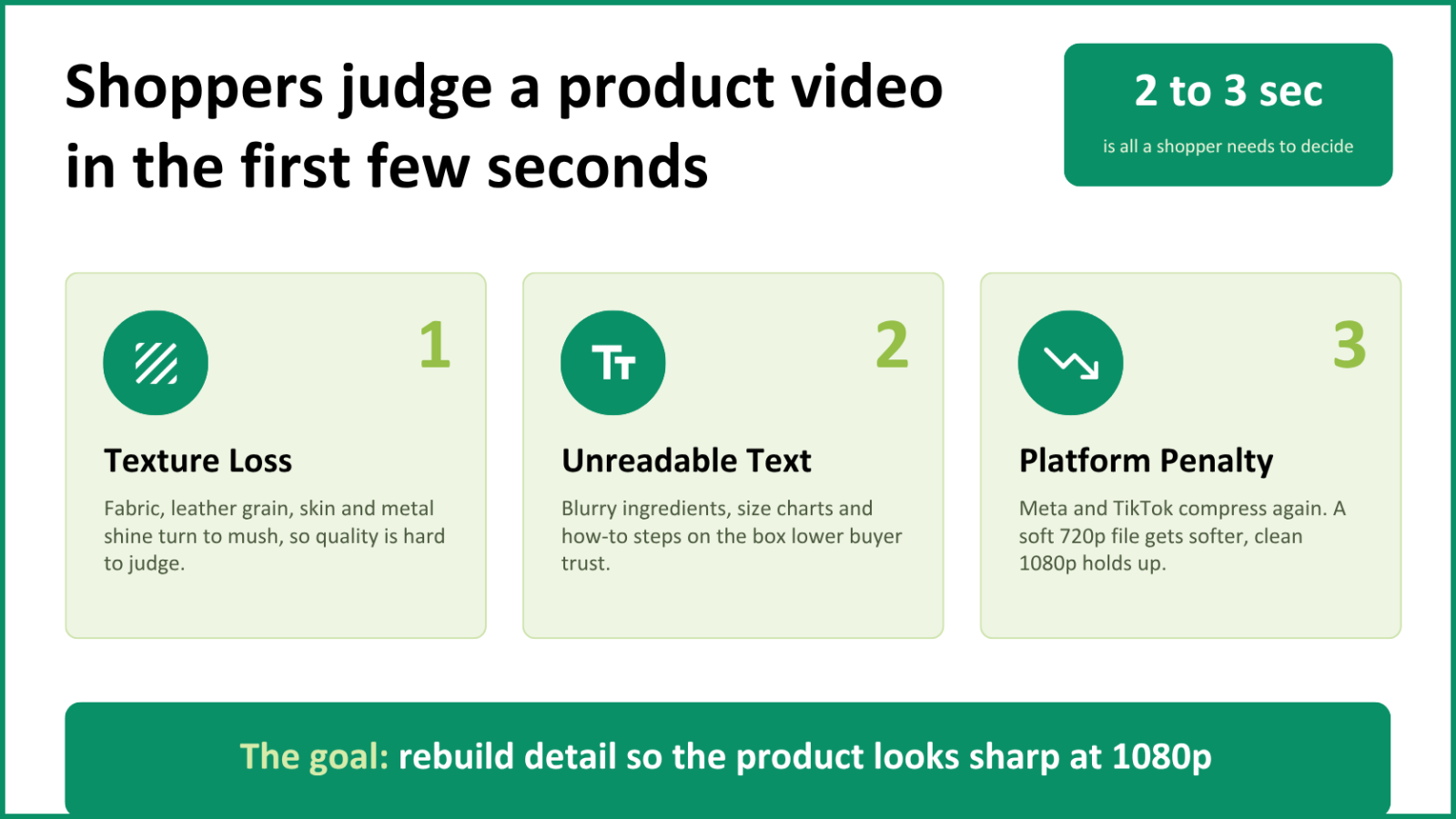
These are three main reasons why lower-resolution product videos can harm your marketing strategy for Shopify:
- The product appears less expensive than it actually is. Low-resolution video fails to show distinctive features like textures or glossy finishes. And customers cannot understand why the product costs that much.
- The text becomes unreadable. With low-res product clips, the text in instruction manuals, ingredient lists, or size charts becomes blurry. All these things are crucial for potential buyers to see and understand. If the resolution isn't high enough, they simply leave without even looking at any information.
- The uploading process reduces quality even more. Meta and TikTok re-encode videos uploaded to their platforms. As a result, the 720p video can become worse due to their compression process. It is better to start with higher-quality 1080p footage.
Sellers need to understand that buyers don't watch long. The decision is made in 2-3 seconds, and this period is called the "first impression" window. Within it, they analyze texture, sewing, and the movement of the material.
Is it smooth fabric? Is it neat stitching? Can they read anything from the label? With video quality like 480p or even blurred 720p, it is impossible. And although everything looks good in reality, in this case, the product will be considered poor quality. So, buyers will scroll down without a second thought.
What an AI HD Video Converter Can Do for Product Demos
Most video converters don't enhance video quality. They usually switch the format or just increase the pixel count. AI doesn't increase the size or the pixels. Instead, it analyzes the frame and restores the lost or blurred details.
The result is a clearer video with sharper edges and more visible details. This can make a real difference in product demos where potential customers are looking to see fabric patterns, read small print, or other details on a package or product finish.
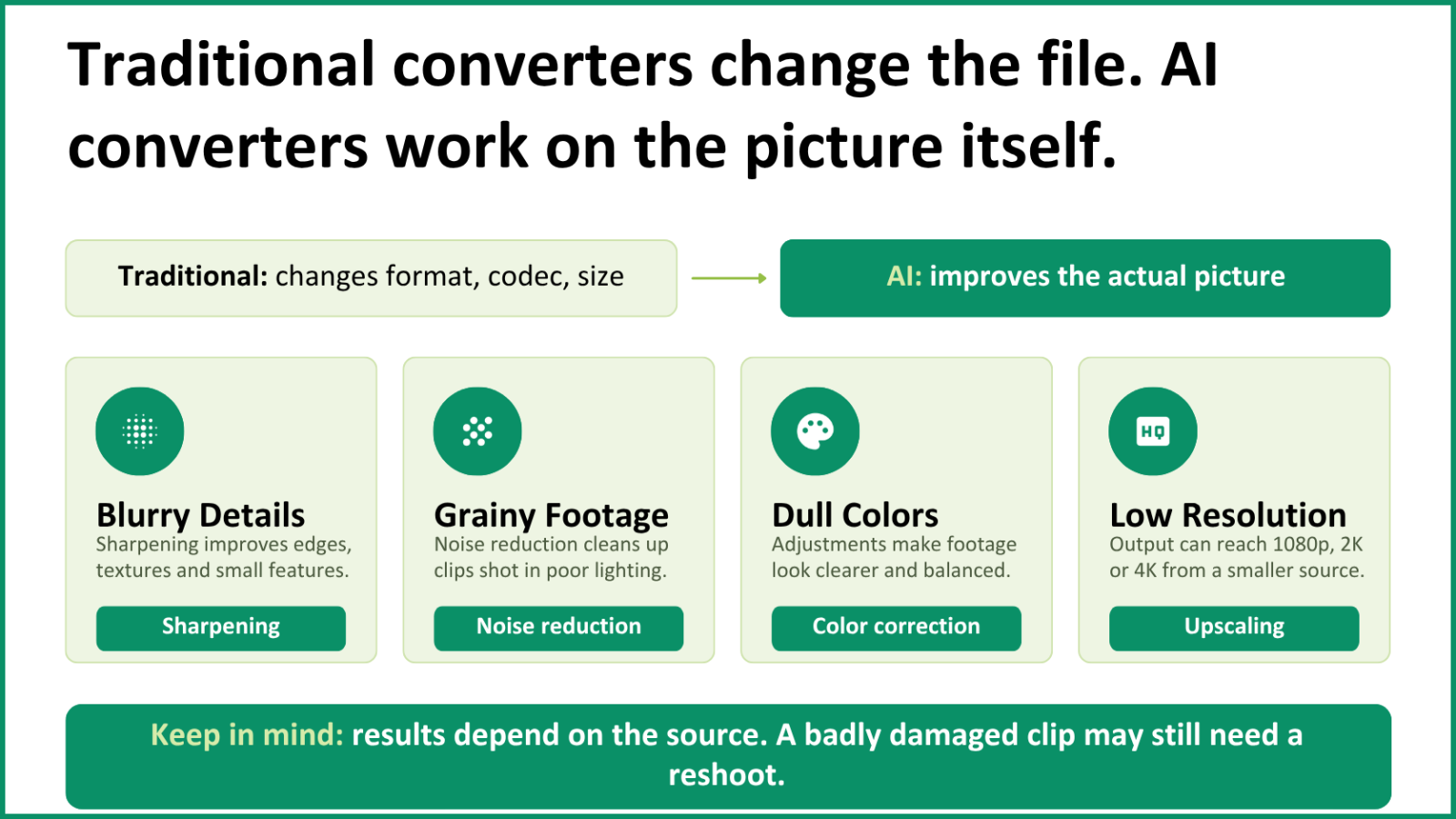
Using an AI HD Video Converter can help you reuse older footage. You don't always have to arrange a new product shoot just because the old video was shot in low resolution. Just upload the video, select the desired output quality, and the AI will do the rest.
Still, you should remember that the output quality always depends on the quality of the video file that you initially have. While artificial intelligence is capable of correcting the flaws of your footage and adding detail to it, there are certain limits. For instance, if your original video is very grainy, excessively blurry, or low in resolution, the output won't be very good either.
Case Study: Upgrading a Low-Resolution Product Demo
The tool for this test: E-commerce video converters must be able to work in the browser, handle MP4, MOV, and MKV, perfectly sync the audio, and export true 1080p, with no watermark.
Wink HD video converter does all of the above. It works in the browser and requires no installation. You can upload MP4, MOV, and MKV files, select true 1080p, and download. Audio is synced perfectly, the export is true 1080p, and no watermark is added to the video.
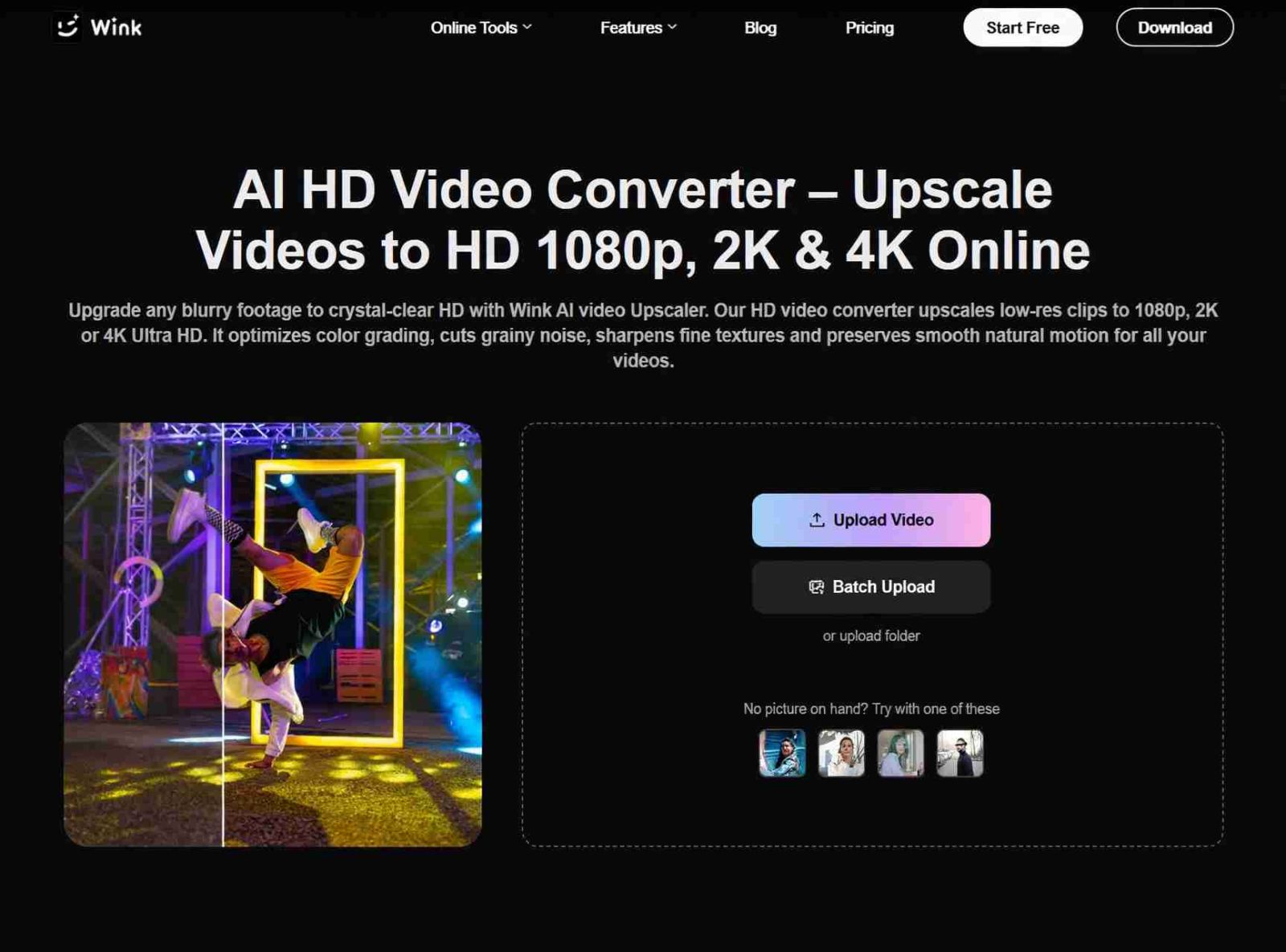
Test file: Supplier demo, MP4, 480p, 19 seconds, 14.6 MB. Hand-held video of skincare bottle on a table. The hand rotates the bottle to show the label. Grain in shadows under the bottle. Mixed lighting gives a slightly washed-out appearance to the color. The background is a white tabletop. The test file is below.
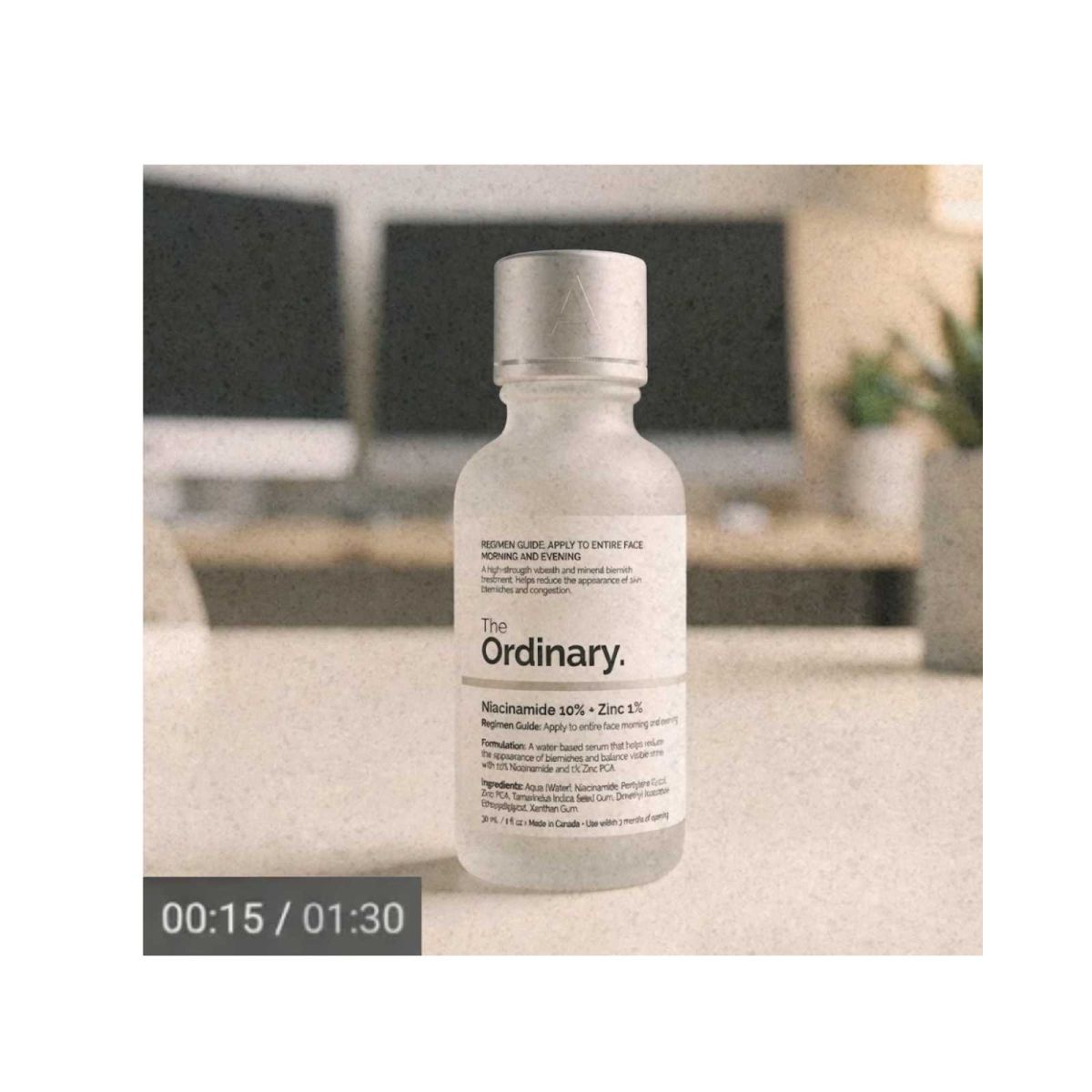
Process:
- Opened https://wink.ai/hd-video-converter in Chrome
- Dragged in the 480p supplier file
- Selected 1080p as output
- Started conversion
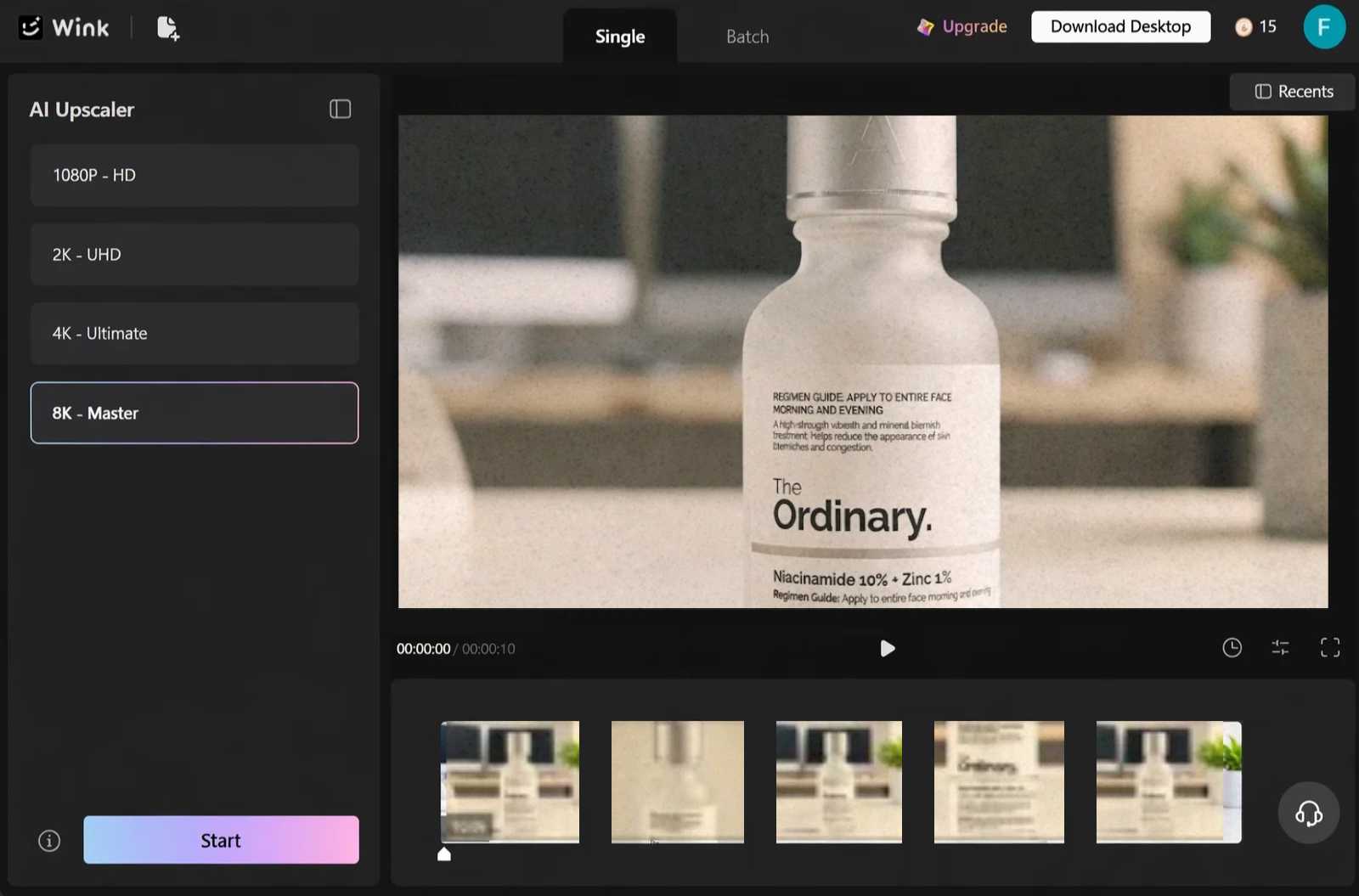
Output: MP4, 1920x1080, 32.4 MB, audio (light background music) in sync, no watermark.
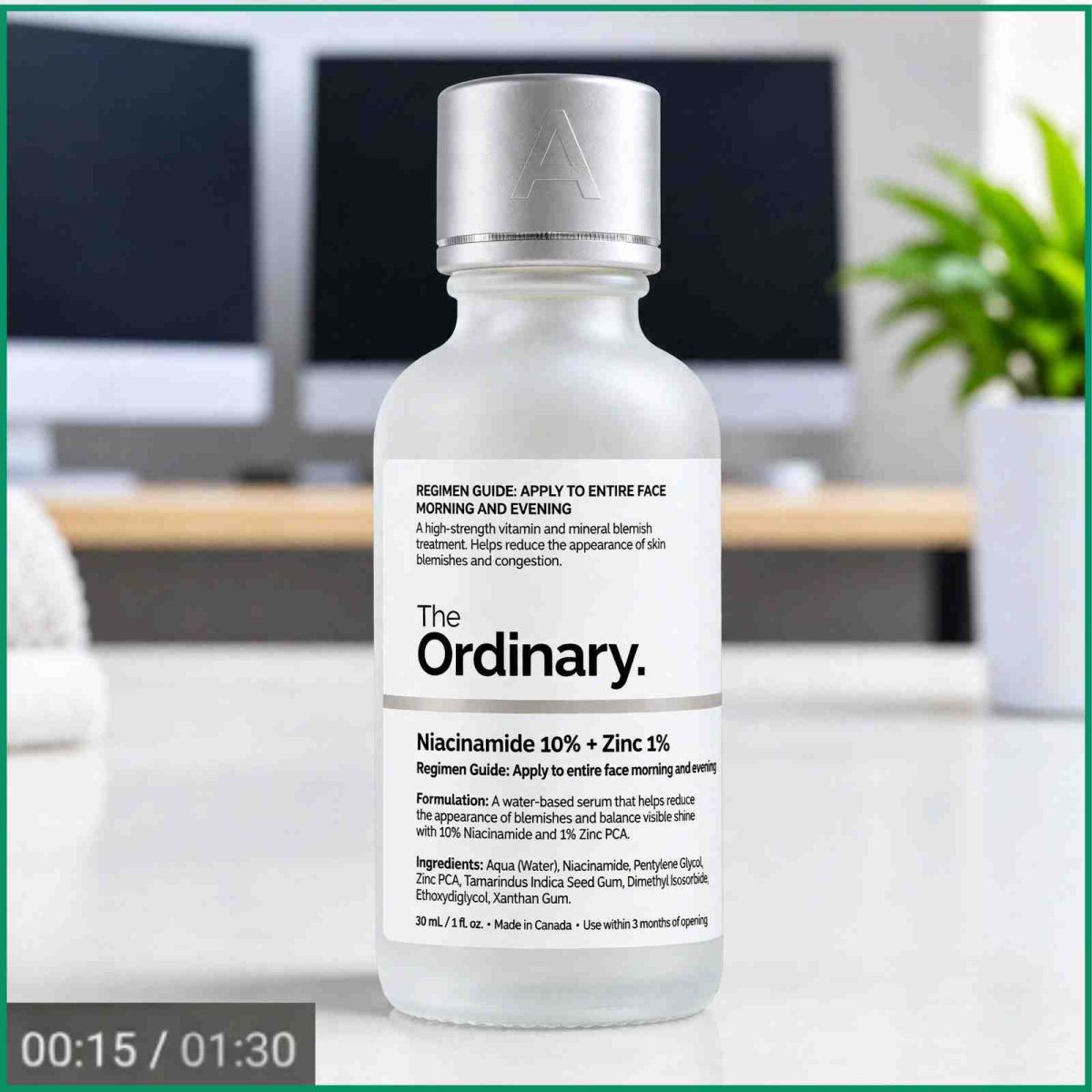
You can see the result is much sharper. Three things stood out in particular, and all three matter for product pages.
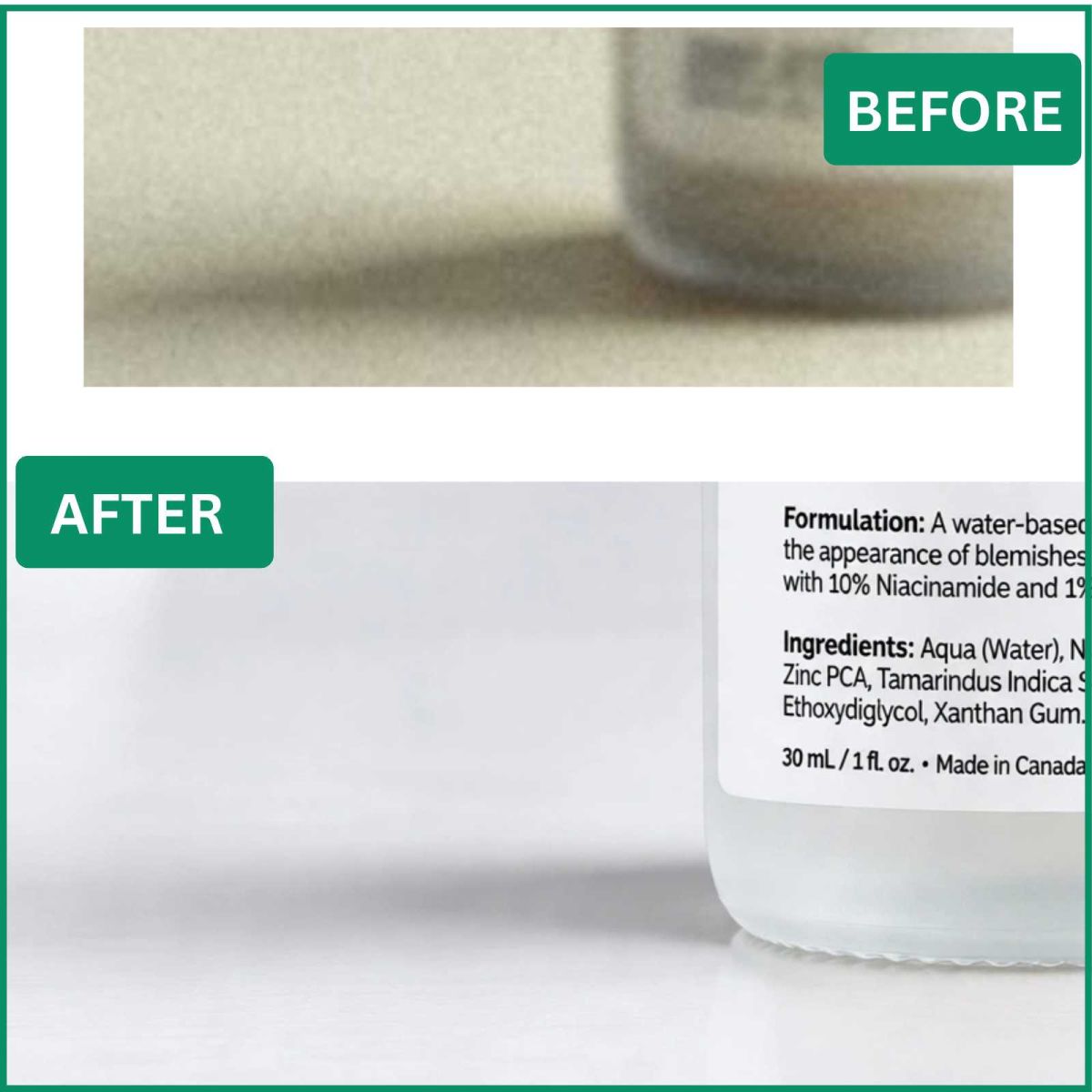
First, text labels. It was impossible to read the ingredient list at 480p. But after converting it to 1080p, it has become readable when paused. Readability is important for beauty and food items where shoppers read ingredient lists.
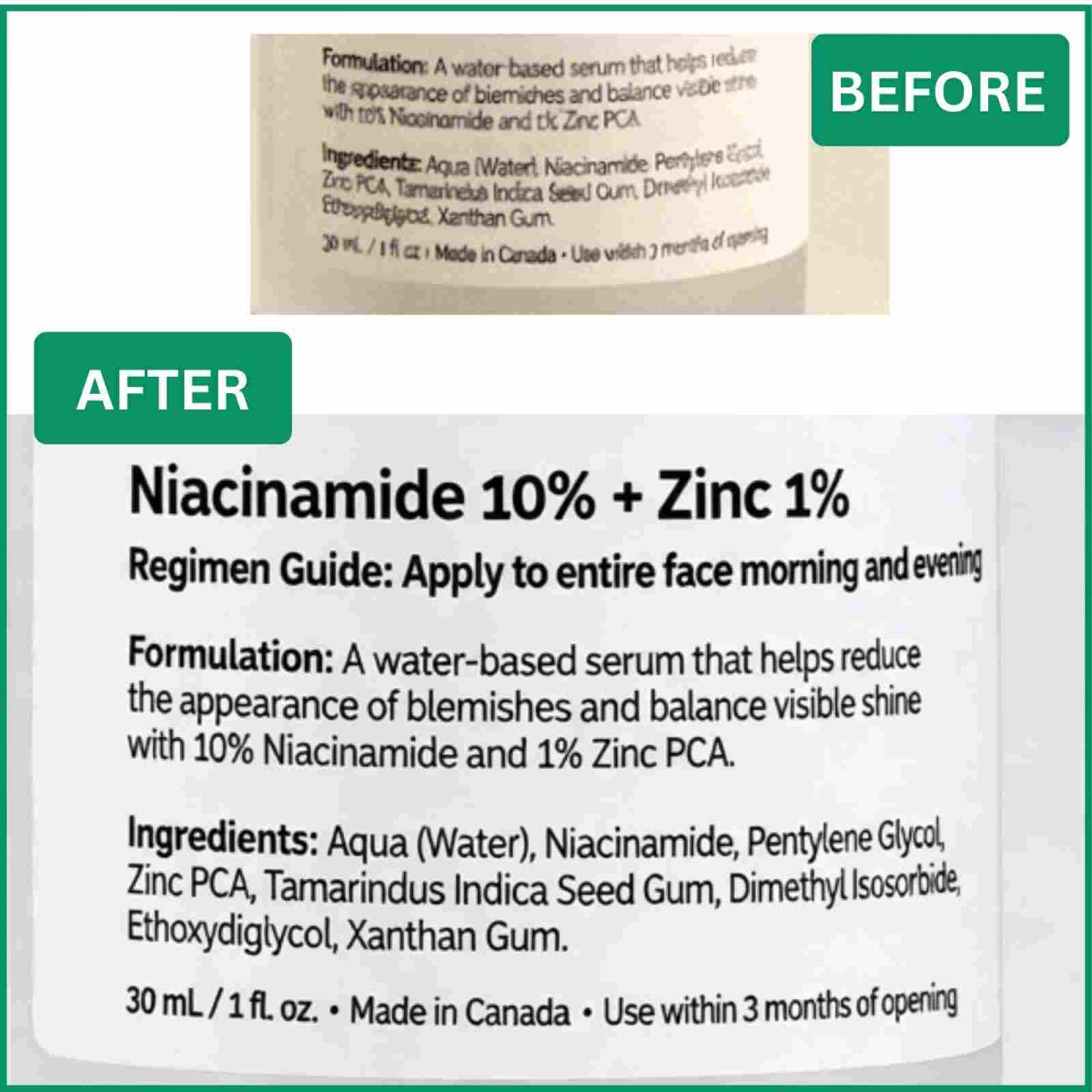
Second, sharpness. Plastic gloss and fine print on the cap, which were blurry at 480p, are much sharper now. There's no halo sharpening, and the edges are clean as well.
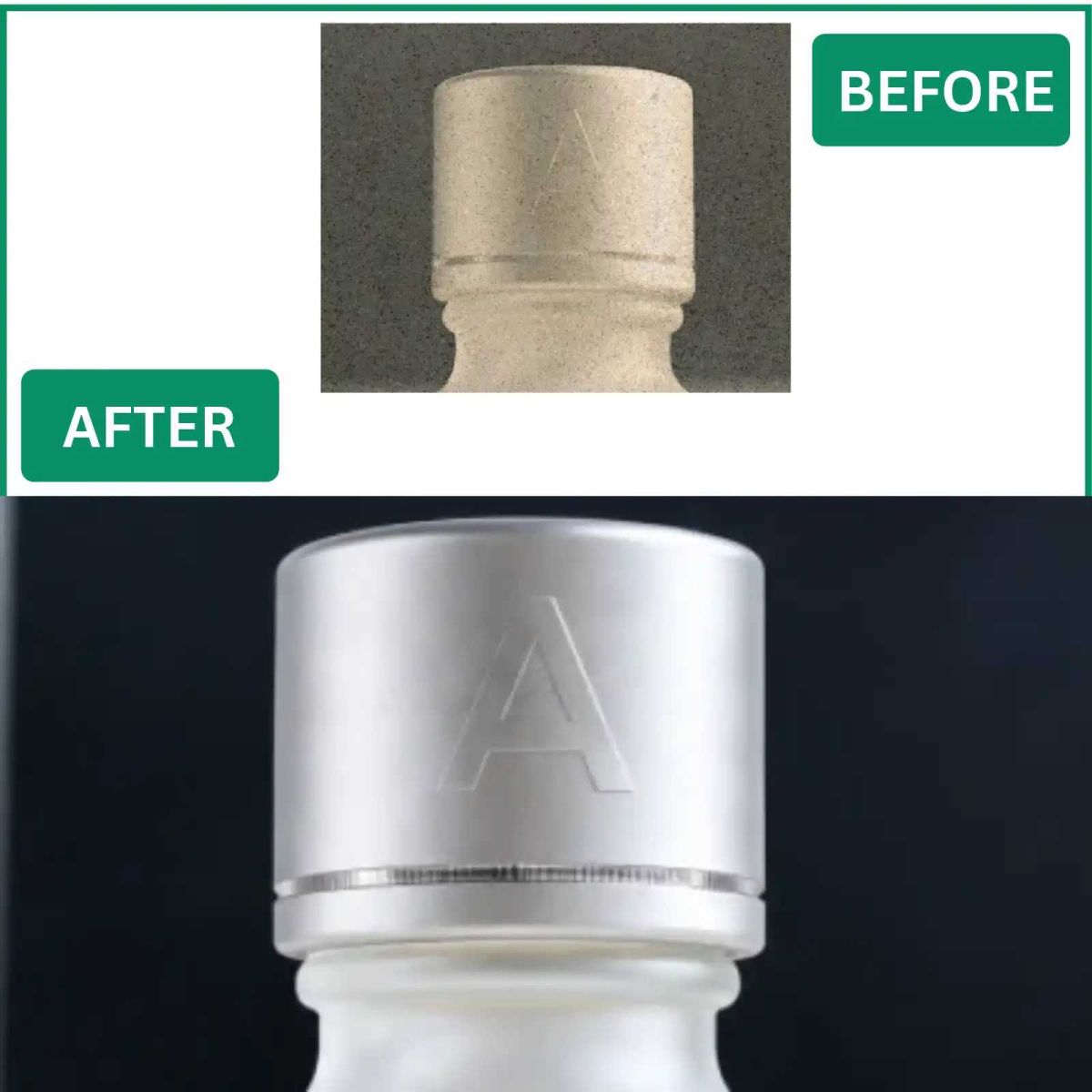
Lastly, colors and grain. The shadows under the bottle were grainy at 480p. After upscaling, the grain disappeared. The white tabletop remained white. No pink tint. No oversaturation. Accurate representation of colors reduces returns of clothes and skincare products.
This upscaled video was then uploaded both to the test Shopify product page and to the unpublished Facebook ad. Compared to the original 480p video that was uploaded, the 1080p video came out much sharper, especially the text and bottle edges, even with the compression from Meta.
Where to use the upscaled video on Shopify and Facebook ads
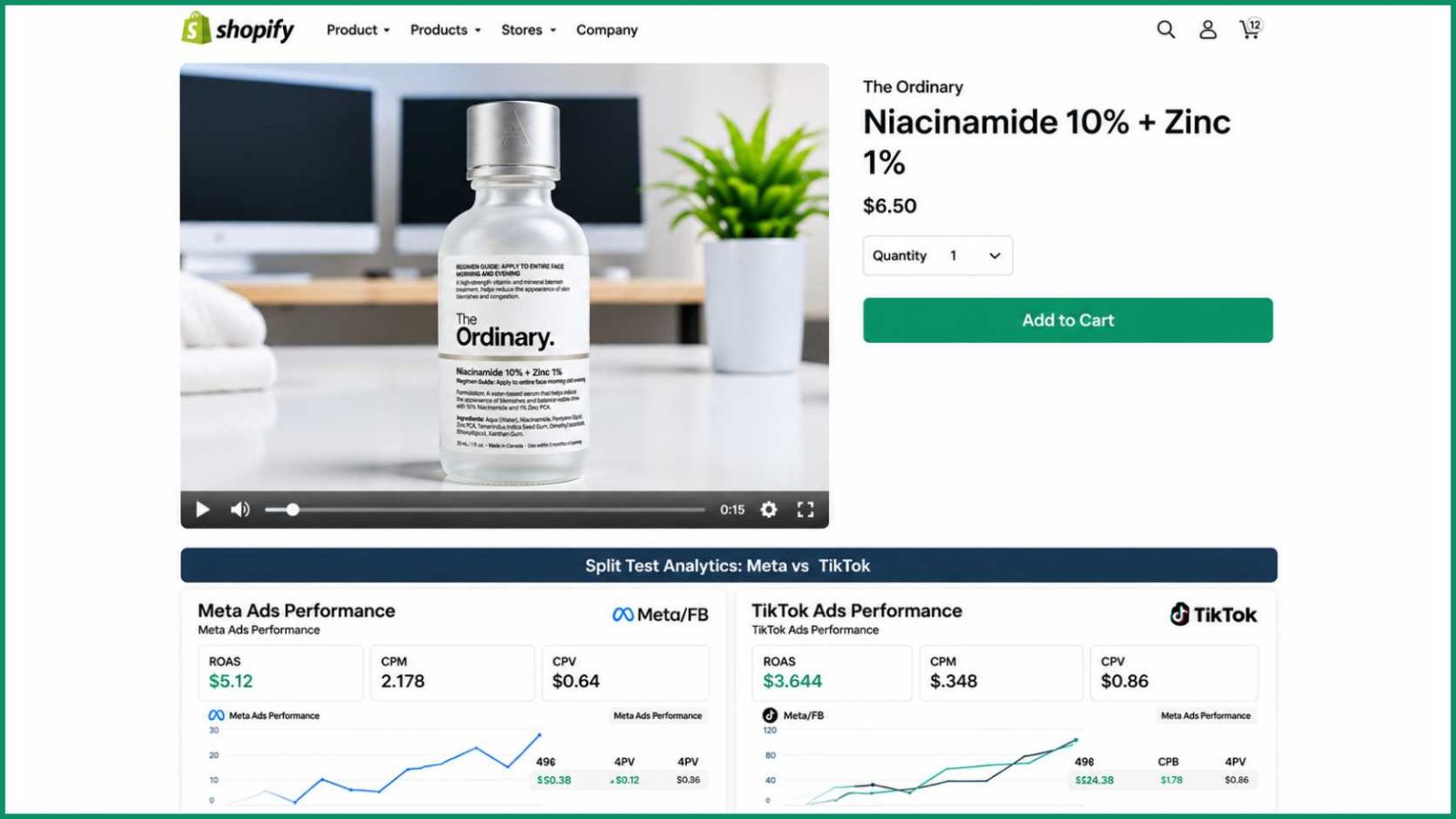
Start by converting the original clip and then do the editing process. Start with a sharper original source from the very beginning. Keep the original for comparisons. Once the conversion is done, look into the specifications of your platform, such as ratio and dimensions. The converted clip will be fit for use on Shopify galleries and heroes, as well as for Meta and TikTok ads.
To determine if it's worth investing in the upscaling process, do an A/B test with the original video vs. the upscaled video and compare click-through. If the upscaled video wins, use the same process to upscale other videos.
Bottom Line
You don't need to reshoot everything to get HD ads. Old blurry phone demos can still be turned into clean 1080p clips and used on Shopify. After Meta and TikTok compression, it will still look good.
Take the worst product demo—that 480p clip where the label is unreadable. Go to the HD Video Converter online and select 1080p. You will need to download it and then paste it to check if the label is readable. If it is, then that is a good workflow.
For many sellers, that one test is all it takes. Upload the 1080p version, and that's it.
About author
How to Convert Low-Res Product Demo Videos to HD for Shopify Ads
Learn how to convert low-resolution product demo videos to HD for Shopify ads and create sharper, more engaging visuals that attract customers.
Designkit Free Background Remover: Easy Photo Cleanup

Remove image backgrounds for free with Designkit. Upload up to 15 images per batch, download them all at once, and get clean product photos with no software.
How Counter-Strike 2 Refreshed the World of Skin Collecting

Discover how Counter-Strike 2 transformed skin collecting with upgraded visuals, redesigned skins, enhanced trading experiences, and new opportunities for collectors.
Essential Hardware for Modern Pop-Up Events

Discover the essential hardware for modern pop-up events, from display stands and lighting to portable fixtures, designed to create impactful, functional event spaces.
16 Bit vs 8-Bit: Which Is Better for Photo Editing?
Learn the difference between 16-bit and 8-bit images, including colour depth, editing flexibility, file size, and which option is best for your photos.
Why Choose SaveFromIns for Instagram Video Downloads?
Instagram has a variety of videos that you can watch, including cooking tutorials, travel guides, educational, product demos and creative reels. If you come across a video that you would like to save, it can be difficult to locate the same post again, with lots of new content in your feed.