
Best iPad For Business: Choose From The Best
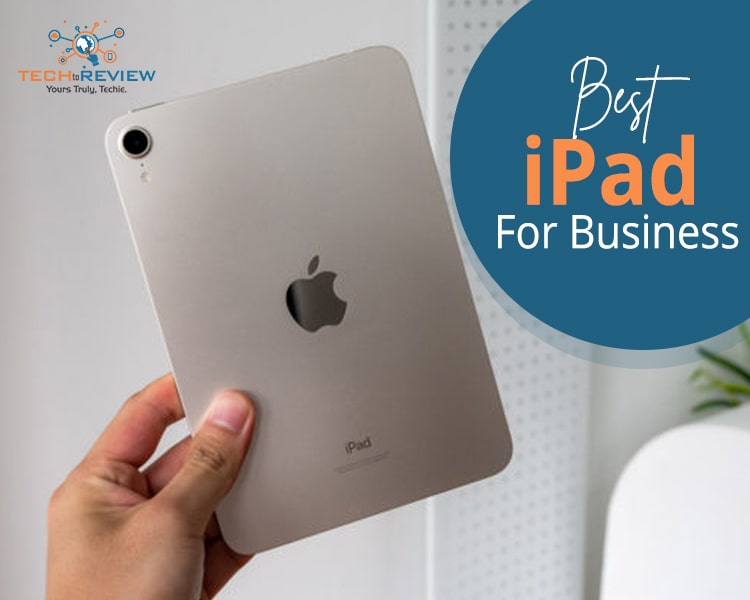
In this fast-paced business world, keeping up with technology has become the need of the hour. Regardless of your field, having the right set of tools and devices can make a big difference to the overall success of your business. One such device is the iPad, which has become indispensable for professionals across various business firms. With its sleek design, powerful features, and wide range of applications, the iPad has become a go-to device for all business needs.
Let’s discuss some of the best iPads of 2024 to help you choose the best iPad for business needs.
Big Display, Big Business
best iPad for business, you are probably looking for a device that can potentially replace your laptop or desktop and simultaneously offers maximum portability. One of the primary reasons businesses are embracing iPads is the unmatched portability they offer. With a lightweight, compact design and big display, iPads allow professionals to carry their work wherever they go. When choosing the best iPad for business needs, you must consider several factors:
1. Processing Power
Depending on your business needs, consider the processing power of the iPad. The basic iPad and iPad Air models Apple offers are suitable for general business tasks. However, if you want to perform complex tasks such as designing and managing finances, you must go for iPad Pro, which is designed for more demanding applications.
2. Display Size and Quality
A big, compelling display is all you need, especially if your work involves detailed graphics or multitasking. When looking for the best iPad for business purposes, consider the iPad Pro's larger display that offers high resolution with ProMotion technology that can significantly enhance your viewing experience.
3. Portability
One major reason people choose iPads is their portability. While running a business, you must be on the go, so you need a device that is easy to carry and adapt to various working environments. The portability of iPads addresses this need, allowing professionals to seamlessly transition from the office to client meetings, business trips, or remote work locations.
4. Storage Capacity
While looking for the best iPad for business, consider the storage capacity based on your business requirements. If you deal with large files or require ample application space, you should choose a higher storage variant.
5. Connectivity Options
Consider the connectivity options, including Wi-Fi capabilities and cellular compatibility. It is crucial for professionals who must stay connected on the go, ensuring seamless access to online resources and communication. Certainly, it is one of the best iPads for business you can keep in your wishlist.
Best iPad for Business in 2024: Choose From The Best
For all the business professionals out there, we have compiled a list of some of the best iPads of 2024.
1. Apple iPad Pro 12.9 inch (2021)
One of the most demanded iPads, the iPad Pro 12.9 inch is a good replacement for your laptop. It's a bigger variant of 11 inches and offers a much smoother-in-hand experience. An ideal choice of editors, this iPad deserves to be on your wish list.
2. iPad Pro 11 (2022)
An ideal iPad for computing jobs, the iPad Pro 11 is an excellent choice if you are looking for an iPad that can replace your laptop. More suitable for photo editing and managing finances, the iPad 11 has an M2 chip, including accessories like an Apple Pencil, Magic Keyboard, and Keyboard Folio.
3. Apple iPad Air 2022
Although it is an entry-level iPad, it will offer functions similar to any Pro model. With a display size of 10.9 inches, the Apple iPad Air is perfect for media consumption and day-to-day business tasks. So, if you are also looking for a good, affordable iPad, this is a good pick for you.
4. iPad Mini 2021
As a business professional, you want an iPad that fits in your bag while on the go. iPad mini 2021 is one of the best iPad for business that offers you speed stability and performs all the tasks just like your regular laptop. Boasting an A15 Bionic chip, the pocket-size dynamite is a great choice, considering its price and the value it adds to your business and personal tasks.
5. Apple iPad 10th Gen
For professionals who are not looking to spend much but want greater productivity, this iPad offers you the flexibility to perform tasks much faster than its predecessors. Moreover, with the inclusion of a USB C-type port, it offers a more convenient user experience, making it an ideal choice for users who are looking for a mid-range iPad.
Choosing the best iPad for business can be difficult with a pool of iPads available in the market. The iPads mentioned above are known for their unique features and capabilities, catering to various business needs.
About author

Why Phone Storage Gets Full Even If You Barely Install Anything

Discover why your phone storage fills up without installing apps. Learn how cached files, photos, hidden downloads, and system data consume space.
Top 5 Entry-Level DSLR Camera Picks to Buy in 2026

Looking for a great beginner camera? Discover the top 5 entry-level DSLR cameras to buy in 2026, featuring the best budget, travel, and video choices.
Best LED Black Friday TV Deals: Your TV Shopping Guide

Discover the best LED Black Friday TV deals for 2026: when sales start, how much you can save on LED, QLED, and OLED TVs, plus tips to spot fake discounts.
Portable Bluetooth Speaker: Best Picks for Your Travel Bag

Looking for a portable Bluetooth speaker for travel? Check out 5 easy-to-carry options with different sound, battery, and durability features.
Budget Gaming PC: The Smart Gamer’s Guide to Saving Money

Looking for a budget gaming PC? Learn how to choose the right GPU, CPU, RAM, storage, PSU, and cooling without overspending.
Why Is My Cell Phone Getting Hot? Learn the Quick Fixes

Wondering why is my cell phone getting hot? Discover the hidden triggers behind your device overheating and learn quick, safe tricks to cool it down fast.