
All you need to know before getting the Huawei Mate 20 Pro
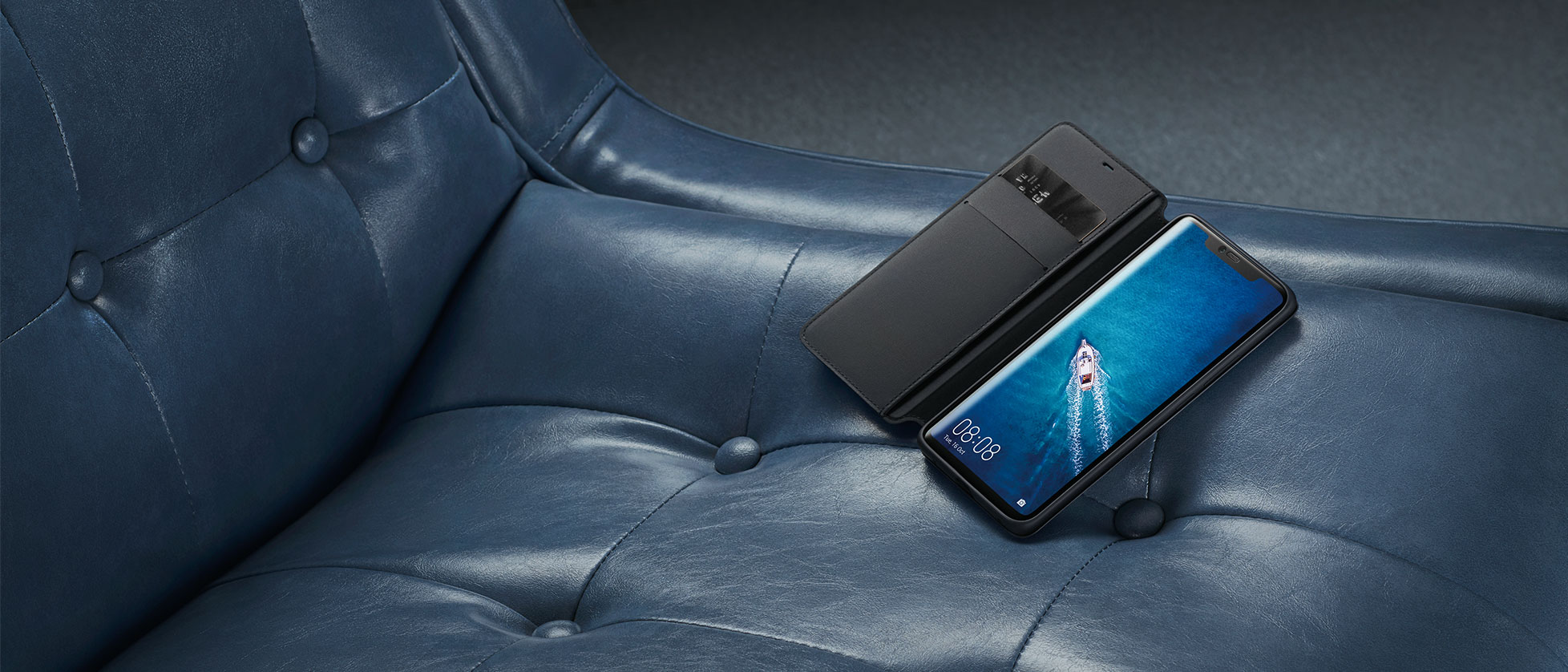
Topping the charts of DXOMARK previously this year in terms of camera performance was Huawei’s flagship the P20 Pro. Known for thinking out of the box, Huawei has released another flagship model called the Mate 20 Pro. We get to see a similar triple camera with an interesting design. Currently available for Rs. 69,999, the Mate 20 Pro comes in 4 different colour variant out of which the Twilight version is the most eye-catching.

In the box
On opening the box, the first thing you get is the device itself followed by a transparent phone case. Beneath comes a pair of earphone with a connector resembles the apple air pods and finally a 40-watt supercharger.

Camera
On the rear, the Mate 20 Pro features an AI-powered 40 MP + 20 MP + 8MP triple camera set up by LEICA. Shots taken by the rear are rich with details with the right amount of texture shots in low light are amazingly good due to the wider lens the camera manages to capture in a good amount of detail. On the front, the Mate 20 Pro is rocking a 24 MP camera that captures excellent shots.

Display and Design
The 6.39 cutting-edge notch OLED display of the Mate 20 Pro has a resolution of 1440 by 3120 pixels. The device has great viewing angles with bright and vibrant colors. In term of design, the Huawei Mate 20 resembles a masterpiece. With the notch home to a couple of sensors like the 3D Face Unlock and the glass back unlike other phones doesn’t act as a fingerprint magnet. The Mate 20 Pro has an IP68 rating and is dust and water resistant.

Processor, RAM, and Battery.
Huawei has used its own Kirin 980 processor which when coupled with the 6GB RAM offers a blazing smooth multi-tasking experience. Powering the Mate 20 Pro is the 4200 mAh battery that can easily last up to a day of moderate use. The stock 40-watt charger can easily charge the Mate 20 Pro up to 70% under 30 minutes.
|
Display |
6.39 inch, OLED Display |
|---|---|
|
Front Camera |
24 MP (f/2.0) |
|
Rear Camerea |
40 MP (f/1.8) + 20 MP (f/2.2) + 8 MP (f/2.4) |
|
OS |
Android 9 Pie |
|
Battery |
EMUI 9.0 |
|
Processor |
HiSilicon Kirin 980 Octa-core |
|
RAM |
6 GB |
|
Internal Storage |
128 GB |
| Connectivity |
USB-C, Wi-FI, OTG, NFC, IR, Dual 4G, OTG, Bluetooth, GPS, LTE |
|
Sensors |
3D Face unlock, In-Display Fingerprint, Compass, Lights sensor, Gyroscope, Barometer, Compass |
Overview
Summary
The Mate 20 pro is packed with features but do you really need that much power in a phone? Well, that is up to you to decide. I personally am a big fan of Huawei and the way they implement new technology into their phones.
About author

Best LED Black Friday TV Deals: Your TV Shopping Guide

Discover the best LED Black Friday TV deals for 2026: when sales start, how much you can save on LED, QLED, and OLED TVs, plus tips to spot fake discounts.
Portable Bluetooth Speaker: Best Picks for Your Travel Bag

Looking for a portable Bluetooth speaker for travel? Check out 5 easy-to-carry options with different sound, battery, and durability features.
Budget Gaming PC: The Smart Gamer’s Guide to Saving Money

Looking for a budget gaming PC? Learn how to choose the right GPU, CPU, RAM, storage, PSU, and cooling without overspending.
Why Is My Cell Phone Getting Hot? Learn the Quick Fixes

Wondering why is my cell phone getting hot? Discover the hidden triggers behind your device overheating and learn quick, safe tricks to cool it down fast.
How to Make Your Laptop Run Faster: Easy Ways to Speed Up

Is your laptop slow or freezing? Learn easy ways of How to make your laptop run faster, from clearing files and updating software to upgrading RAM and SSD.
Why Responsible IT Asset Disposition Matters in the Age of Constant Upgrades

Discover why responsible IT asset disposition matters in an upgrade-driven world, helping businesses protect data, reduce waste, and recover asset value.